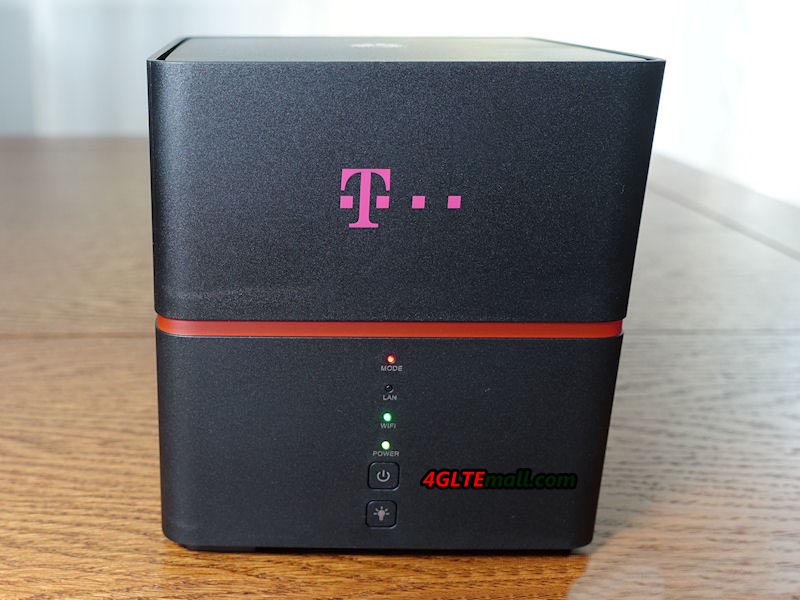
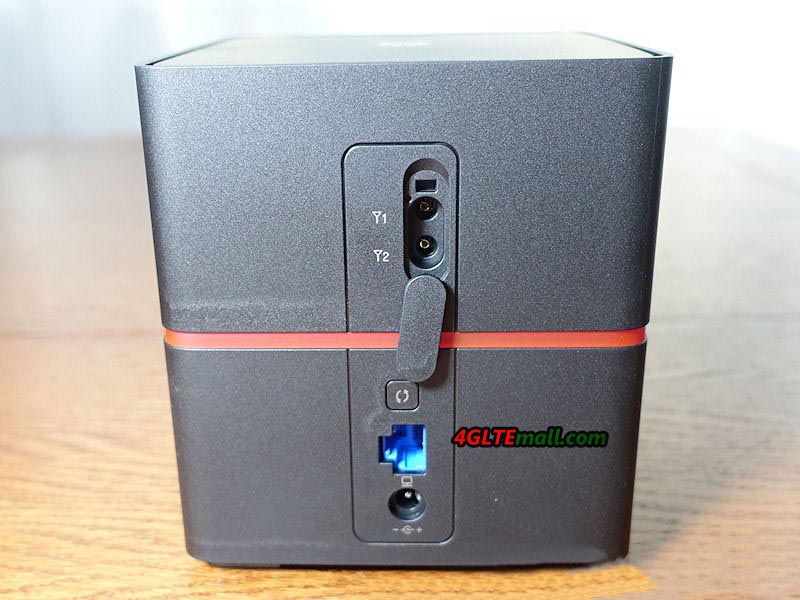
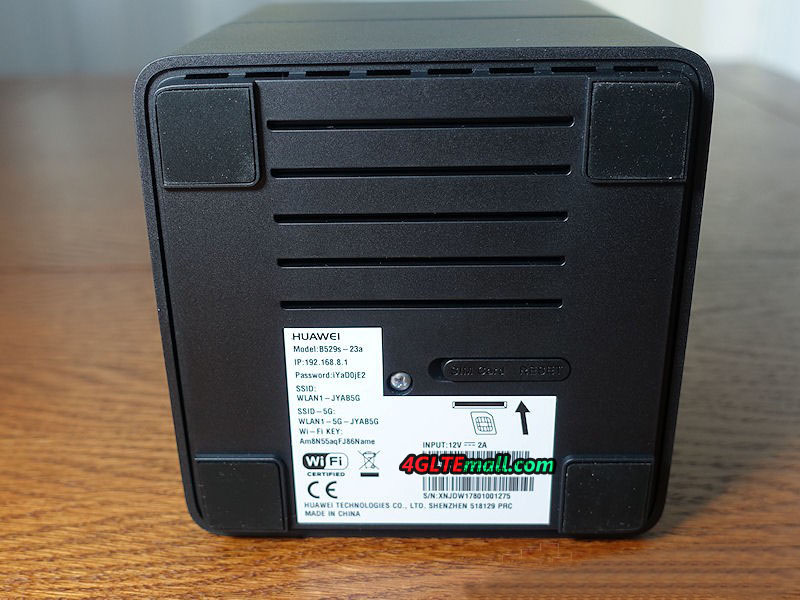
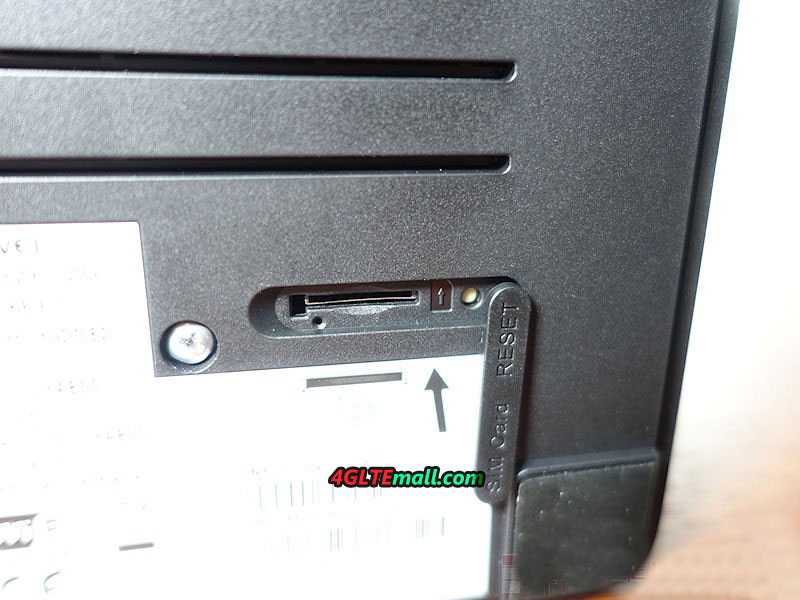
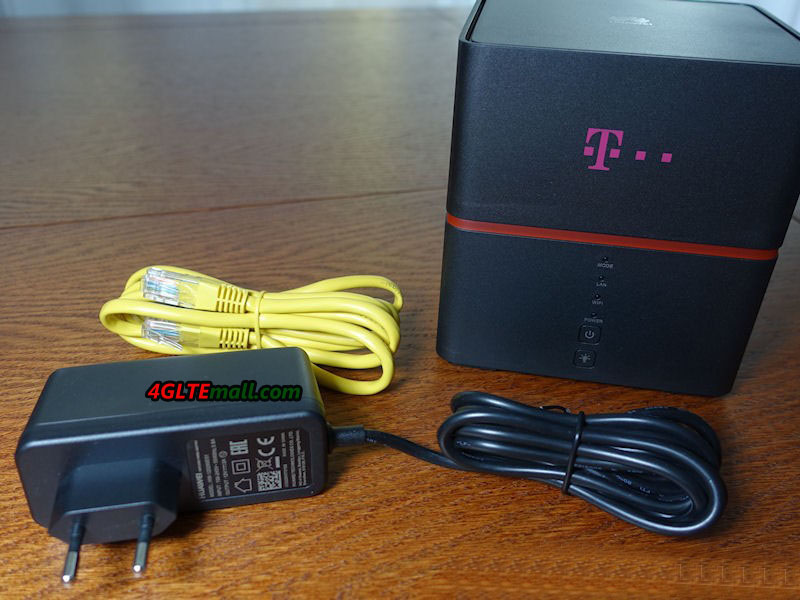
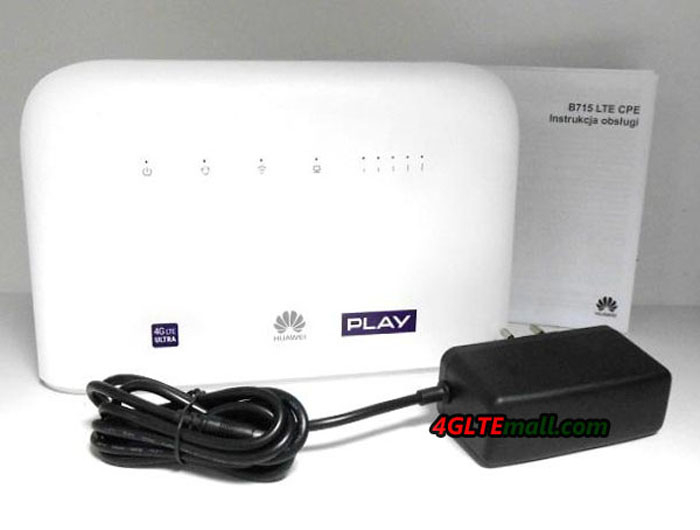
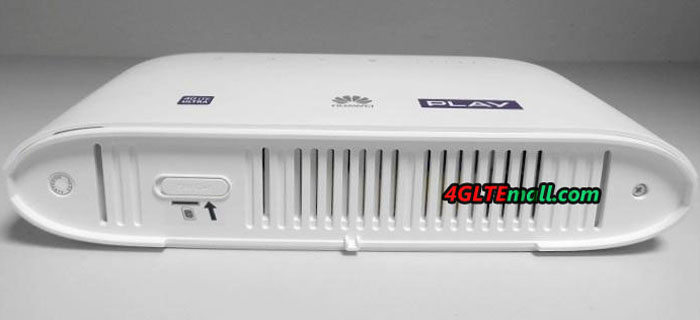
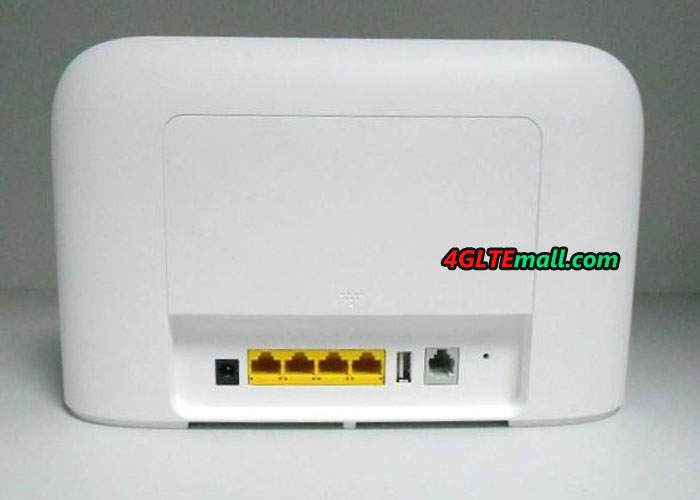
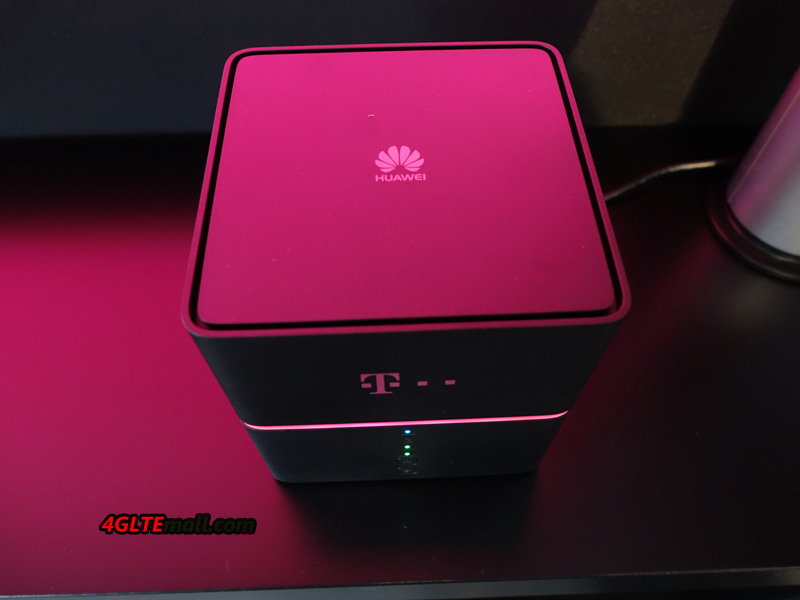
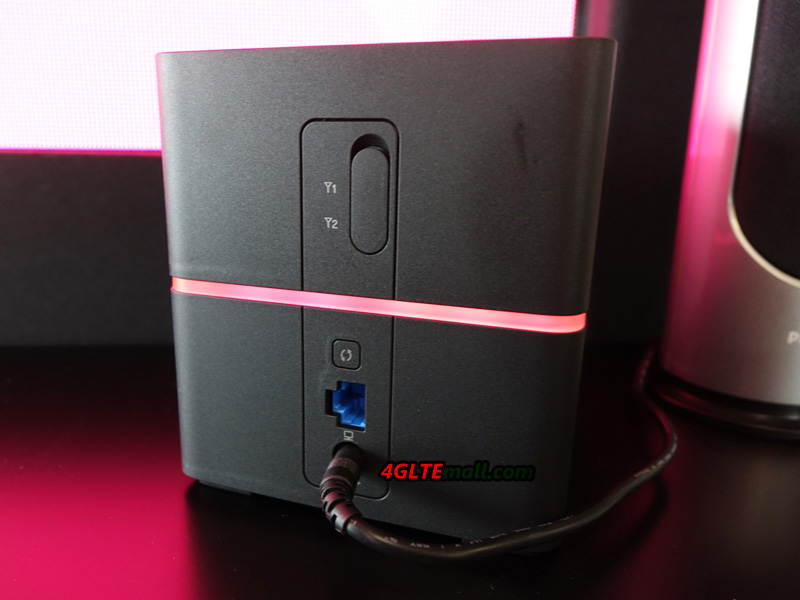
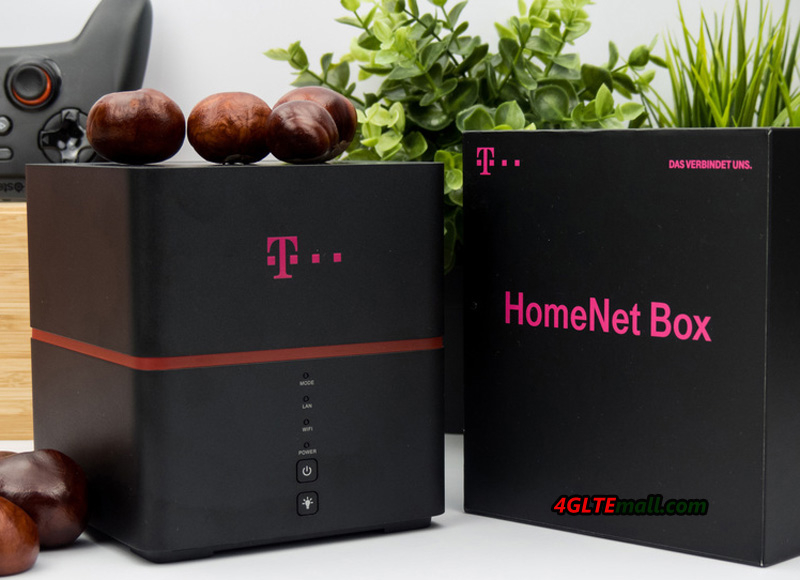
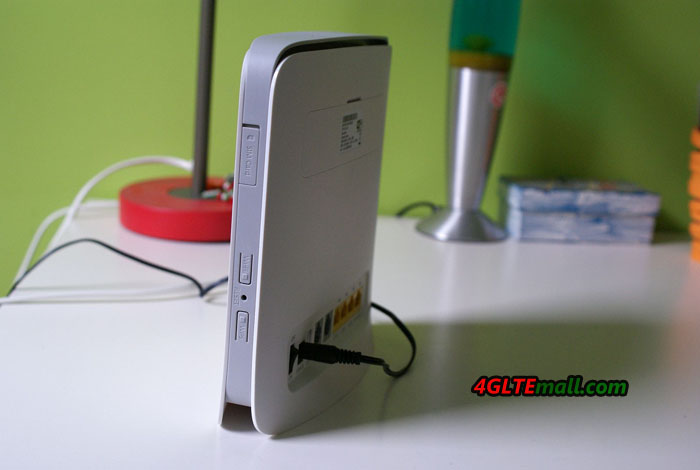
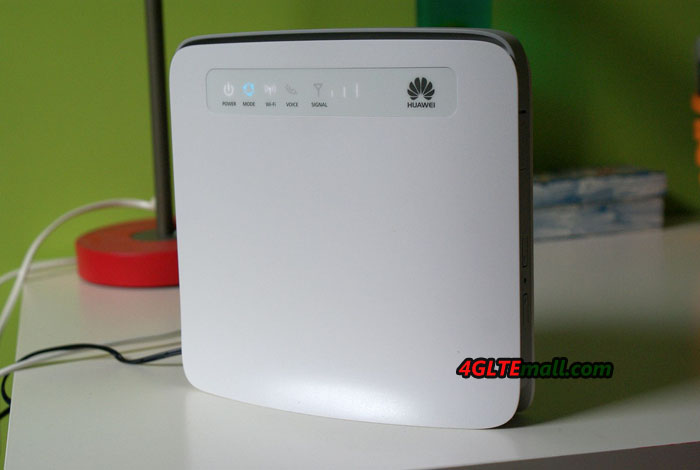
The Huawei B315s-22 is a 4G router for family use. Like its predecessor Huawei B593s-22, it allows sharing the 4G connection in WIFI with a valid SIM card from a network operator, and of course, the SIM card must has a data plan. Thus, in places where ADSL is of poor quality but 4G is available, it would be necessary to replace the ADSL and use the new Huawei B315s-22 with new contract from 4G network provider.
Frequency bands: LTE/UMTS/GSM (4G LTE-FDD 800/900/1800/2100/2600MHz 4G LTE-TDD 2600MHz). However, frequency 700MHz is supported on band 28.
LTE Speed: Donwload up to 150Mbps / Upload up to 50Mbp
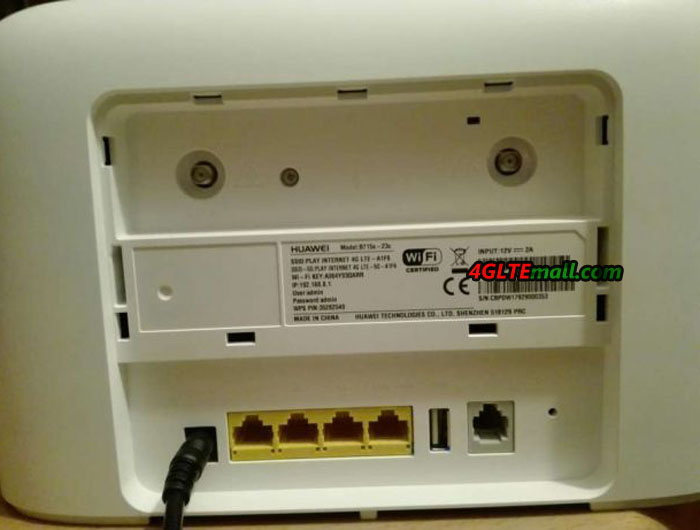
2 SMA antenna jacks
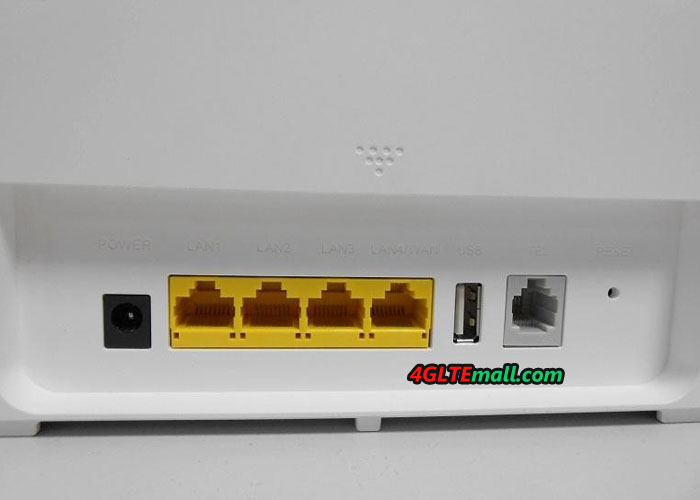
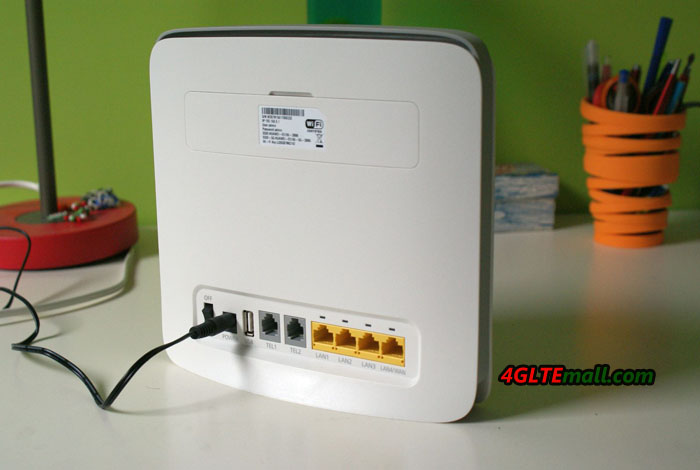
1 USB port
Wifi 802.11b/g/n
Supported number of wireless connections: Up to 32 devices
4 Gigabit LAN ports/1 WAN/LAN port
1 RJ11 port
Normal SIM card (no micro SIM or nano SIM, you may need an adapter if you use Micro SIM or Nano SIM.)
Configuring Huawei B315s-22
The configuration of this type of router does not pose any difficulty. It is normally enough to insert the SIM, start the router, connect to the address http://192.168.1.1 after having connected to the B315 router’s WIFI (name and wifi key available behind or below) and then launch the quick configuration in the interface (login name and password are both default as “admin”).
This router is also controllable using the mobile application HUAWEI HiLink available on android or ios. User can manage the router settings from smartphones and Pads.
Our Opinion about Huawei B315
The Huawei B315s-22 is an excellent 4G router. The main difference with the HUAWEI B593s-22is that it has better 4G reception, it only has one RJ11 port, it does not support the SIP protocol and it does not allow the router to use only the 4G. Thus, if the 4G/LTE signal is not very powerful, it switches itself in 3G or worse in 2G. However, you can connect an external 4G/LTE antenna to change this situation. You can connect a phone using the RJ11 jack (you need a T/Rj11 adapter if you have an old handset) to make calls using the sim card number 06 or 07 (If it is not just a data card).
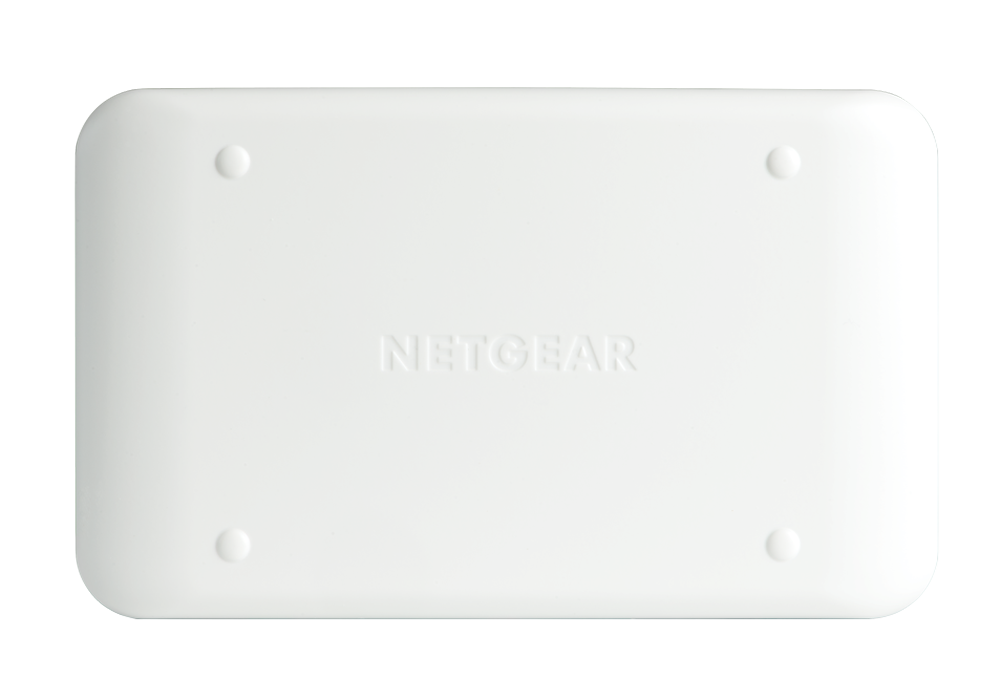
For most cases, the Huawei B315s-22 is enough for most users with the support of LTE download speed to 150mbps and upload speed to 50mbps. But if there is LTE advanced or LTE-A pro network available, it’s also better to try the latest Huawei E525, Huawei E5186 or Huawei B618 Routers. We suppose one of them would definitely meet your demand for home or office wireless network.
We had already reported about the Huawei B618 LTE router in February 2017, one of the first stationary routers with LTE Category 11 modem for up to 600 Mbit/s download. At that time, the device was available in Europe only from a single supplier in Poland, but now the availability has improved considerably. In Europe, the B618 LTE CPE is soon officially sold under the model number B618s-22d. The network provider Telekom in Germany will also introduce the router as Speedbox LTE IV in its product range, but the telephone function of the original B618 will be missing, like its predecessor Huawei E5186s-22a router.
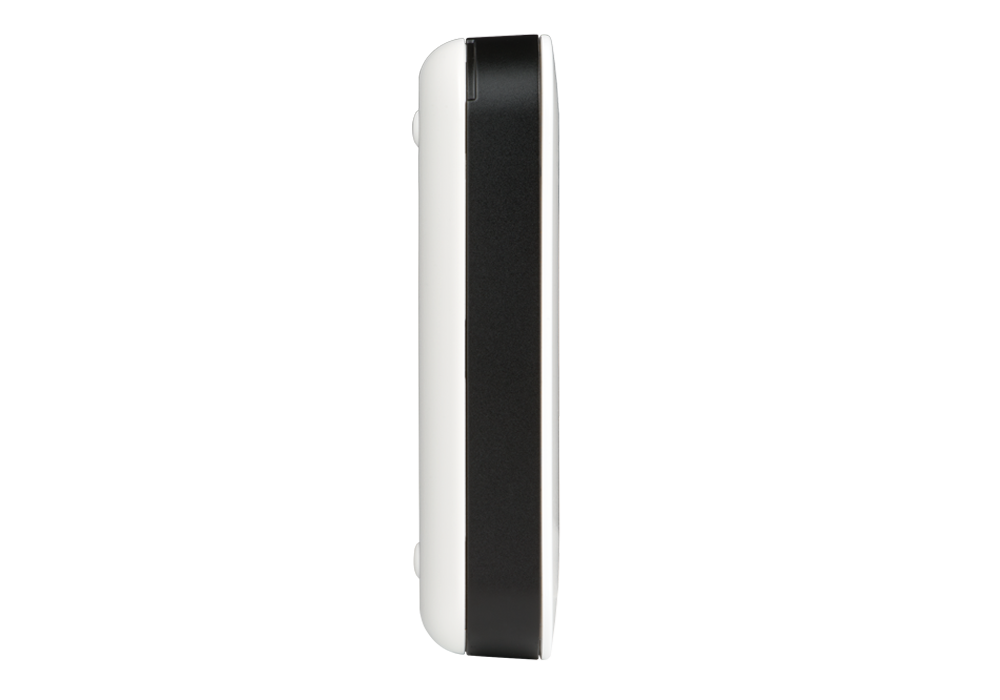
Huawei B618: Technical Specifications at a glance
The Huawei B618 offers very good technical equipment and a cube design in white high-gloss plastic body. On the front, there are various LEDs and a WPS button, on the back two RJ45 Gigabit LAN connections (one also as WAN usable), an RJ11 telephone connection and a connection for the power supply. There are also two TS-9 connectors for an external LTE antenna and a USB 2.0 connector.
Inside the Huawei B618, there is a HiSilicon Balong 750 modem that supports LTE Category 11 (Cat11) with up to 600 Mbps downlink and up to 50 Mbps uplink. All key technologies for 4.5G LTE Advanced Pro can be found in the Huawei B618: 256QAM modulation, carrier aggregation and even 4 × 4 MIMO antenna technology there. Vodafone was the first provider in Germany to officially announce the use of 4 × 4 MIMO technology for LTE, so the Huawei B618 should ideally be suitable for the Vodafone LTE advanced Pro network. The WLAN module allows the connection to a maximum of 64 WLAN devices at the same time and works in both the 2.4 GHz band and the 5 GHz band.
The Huawei B618s-22d is the European version of the B618 and the unlocked Huawei B618s-22d has been available on www.4gltemall.com since July 2017. You can use the unlocked B618 with almost all the network providers in Europe. Anyone who needs a high-level home router, the Huawei B618 is highly recommended due to the multiple practical functions. Since many network providers have not upgraded their network to LTE advanced Pro, the Huawei B618 may be too early to use and currently, the price for Huawei B618 is in high level, the Huawei E5186s-22a is still good to use on LTE cat.6 for download speed to 300mbps and upload speed to 50mbps. The most important is the price for Huawei E5186 is really budget now.
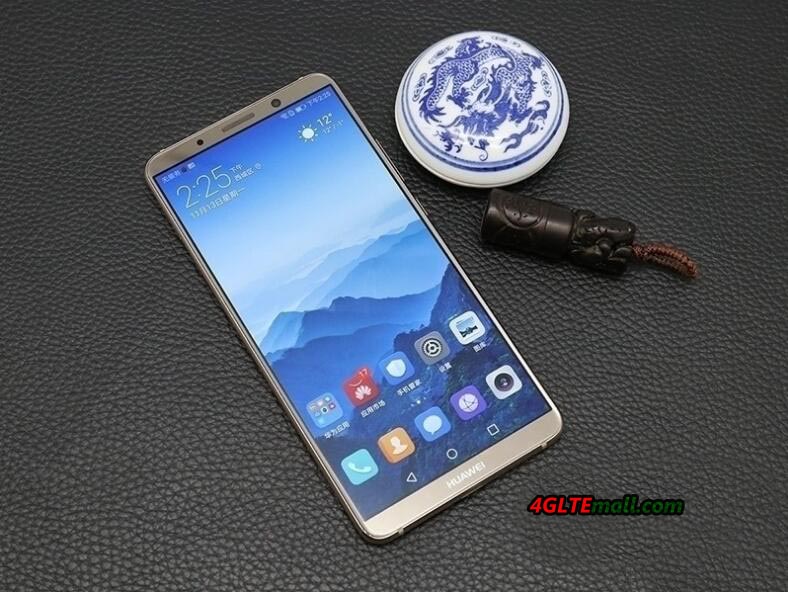
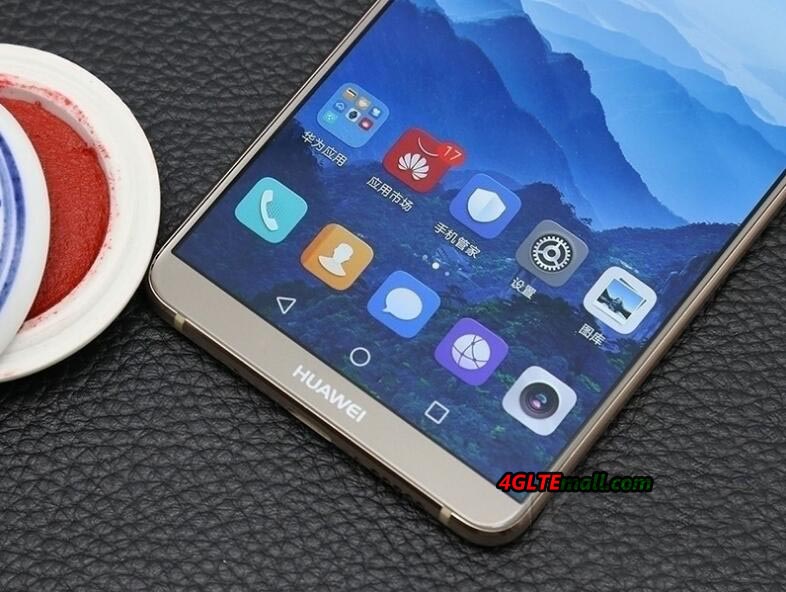
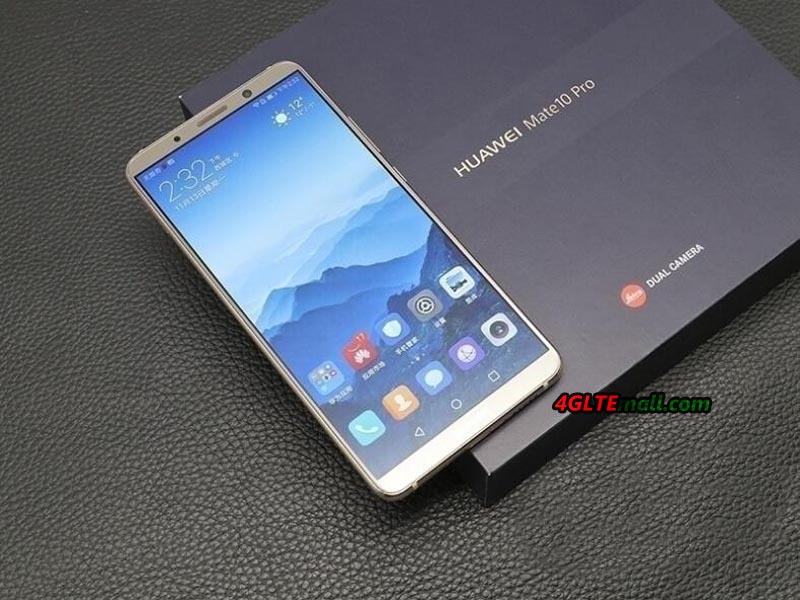
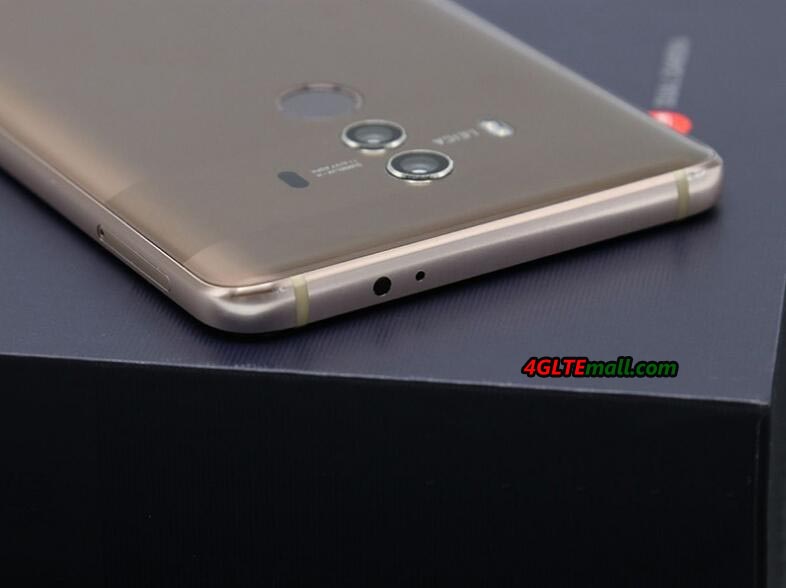
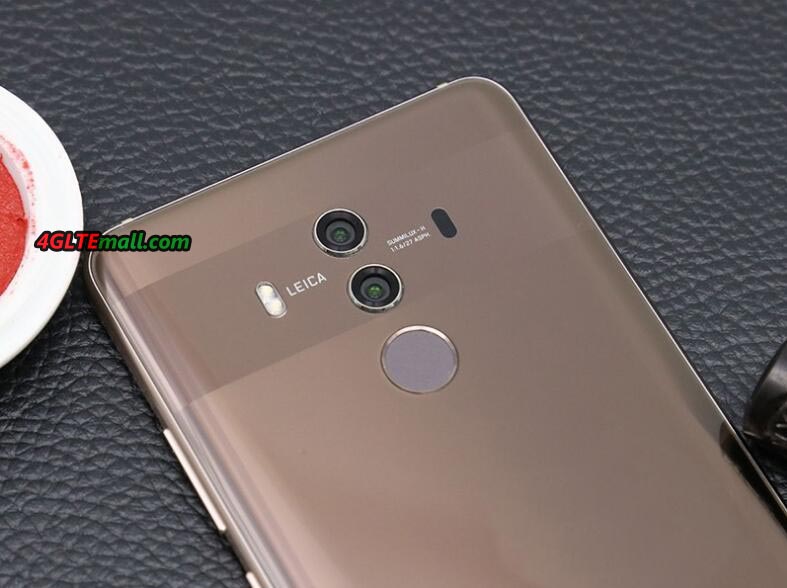
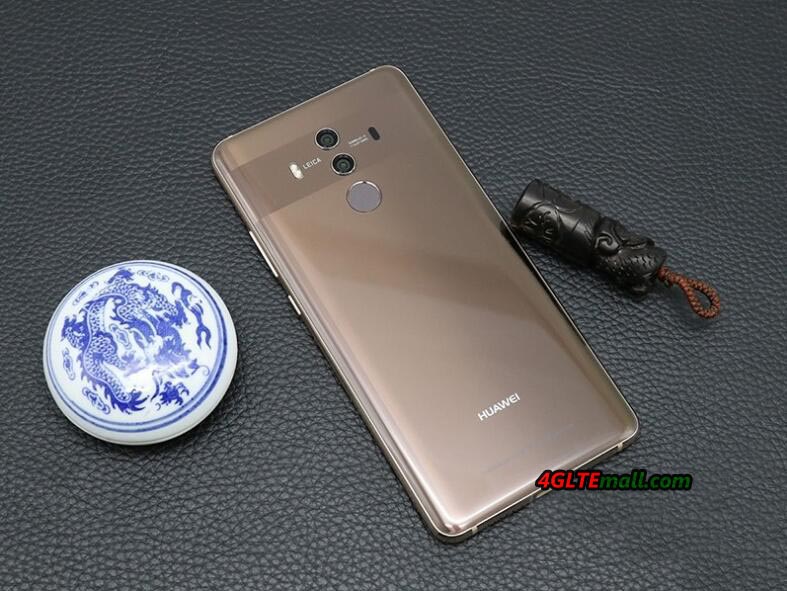
The Huawei Mate 10 Pro is the new flagship smartphone from Huawei. It comes in a new glass design and with a high-resolution 18: 9 display in three different colors now. In addition: a dual camera with f1.6 aperture, 128GB of internal memory and a modern Kirin 970 chipset with Neural Processing Unit (NPU). The LTE Cat18 modem can reach up to 1.2 Gbit/s in the download. The price for the Huawei Mate 10 Pro is quite fair compared to other flagship smartphones such as the Apple iPhone X or the Samsung Galaxy Note 8. Today we will take a closer look at the Mate 10 Pro smartphone, and show its details in this article.
Glass body and large OLED display
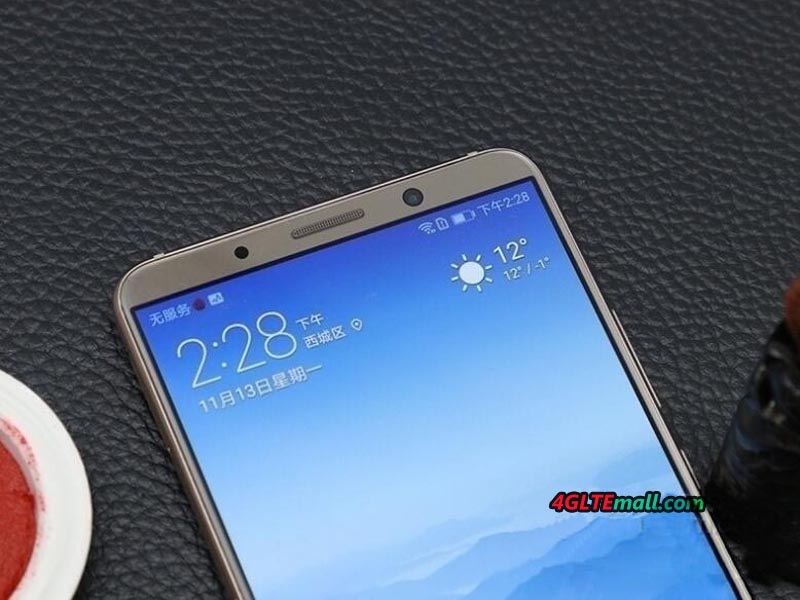
The Huawei Mate 10 Pro comes with a completely new design compared to its predecessor Huawei Mate 9. The earlier metal back was replaced by a glass back, which is clearly perceptible on all sides. As a result, the Mate 10 Pro is in the palm of your hand thanks to the 18: 9 formats (formerly 16: 9). In the display, Huawei sets a nearly borderless 6 inch OLED, which left a very good impression during the first test. The resolution is 2160 x 1080 pixels.
Kirin 970 chipset with LTE Cat18 support
One of the highlights besides the integrated Leica dual camera is surely the HiSilicon Kirin 970 chipset. In addition to an octa core processor with 4 x 2.36 GHz and 4 x 1.8 GHz, this also offers a super-fast LTE modem for data rates of up to 1.2 GBit/s (LTE Advanced Pro category 18). The modem can bundle up to 5 frequency bands (5CC Carrier Aggregation ) and can use the 256QAM modulation. In addition, the Huawei Mate 10 Pro is one of the first smartphones with 4 × 4 MIMO antenna technology. The number of supported frequency ranges can also be seen, the device can be used worldwide:
The Huawei Mate 10 Pro is the first smartphone to support Gigabit LTE networks.
Huawei Mate 10 Pro Software: Android 8 and EMUI 8
The Huawei Mate 10 Pro comes with the operating system Android version 8. The interface is pre-installed with EMUI 8.0, the latest version of the Huawei launcher. According to Huawei, the EMUI version number has skipped some numbers so that the version numbers of Android and EMUI are now identical. In the first test, the software ran smoothly, as you would expect. For easier one-hand operation, EMUI 8.0 has integrated a further improved “Floating Dock” functionality with a “virtual joystick” for the Mate 10 Pro.
Camera with NPU support
The Mate 10 Pro is equipped with a dual camera, which was developed in collaboration with Leica like the predecessor. There is an RGB sensor with 12 megapixel resolution and a black and white sensor with 20 megapixel resolution. According to Huawei, the Mate 10 Pro can take very good photos even in low light conditions thanks to the f1.6 optics. In the first test, the pictures really made a good impression, but for exact results one should of course wait for the detailed tests.
According to Huawei, the NPU (“Neural Processing Unit”) of the Kirin 970 chipset ensures a very fast detection of content in the camera image and adjusts accordingly the appropriate camera mode, if desired. In the first test this worked surprisingly well. Videos will be recorded on request in 4K resolution with a maximum of 30 fps, 4K with 60 fps, as supported by the new Apple iPhone 8, while the Mate 10 Pro cannot. The front camera takes photos with up to 8 megapixel resolution and offers an f2.0 aperture.
Internal memory without expansion capability
The Huawei Mate 10 Pro comes with 6 GB memory as well as 128 GB internal memory. The memory is very generous compared to many competitors models, but the Mate 10 Pro unfortunately cannot expand the memory via MicroSD card. Why Huawei has saved the slot is a mystery because space would probably have been there, especially since also dual SIM is supported.
Further technical data
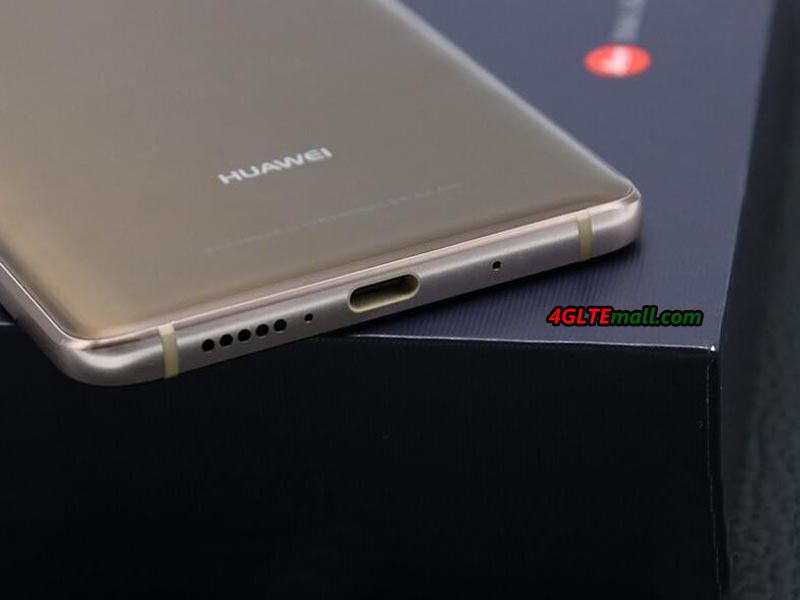
The battery of the Huawei Mate 10 Pro offers a capacity of 4,000 mAh, it is not interchangeable by the user. The Huawei SuperCharge quick charge function is supported, meaning in a very short time you can recharge the battery. Since the Mate 10 Pro does not have a 3.5mm jack and cable-connected headphones can only be connected via USB Type C, an adapter from USB Type C is included in the 3.5mm jack plug. A protective cover is included as well.
Huawei Mate 10 Pro: many strengths and few weaknesses
The Huawei Mate 10 Pro has left a good first impression. The device is good in the hand thanks to 18: 9 display format and the glass case. Only the many fingerprints, which are visible after a short time of use, disturb the design somewhat. The built-in technology makes a very good impression, here one can criticize only the missing MicroSD slot as well as the missing 3.5mm jack connection.
The device is offered in the colors Titanium Gray, Midnight Blue and Mocha Brown. It’s said many network providers would introduce the Huawei Mate 10 Pro to their plan. Here now, the unlocked version Huawei Mate 10 Pro is available on www.4gltemall.com , you may contact us if you need it.
Vodafone is the first German mobile network operator to announce the launch of LTE with gigabit speed and promises the launch of the first smartphone with Gigabit LTE modem in the market. Up to now, data rates of up to 500 MBit/s were possible in the Vodafone network, the speed is now doubled with the new 4 × 4 MIMO antenna technology. Gigabit LTE is now available in Berlin, Hamburg, Hanover and Düsseldorf, further cities are to follow according to Vodafone.
Gigabit LTE: new network technology for faster speed
Vodafone combines several different technologies to achieve gigabit data rates in the LTE network. Thus, on the one hand, Carrier Aggregation (Channel bundling) is used to bundle different frequency ranges and thus make a larger radio spectrum available to the terminal. Vodafone currently uses 3CC (3CA) with band 3, 7 and 20 (800, 1800 and 2600 MHz), but in the future LTE will also be used on 2100 MHz (band 1), so that 4CC CA and 4CA it is possible. The second technology for increasing the speed in the downlink is the 256QAM modulation. Last but not least, the 4 × 4 MIMO antenna technology is now supported at the locations with Gigabit LTE, which means that it is sent and received twice as many antennas as before. To date, 2 × 2 MIMO antennas have been common.
Gigabit LTE is only available in a few locations
According to Vodafone, the first cities with Gigabit LTE supply are Düsseldorf, Hamburg, Hannover and Berlin, more cities to follow. However, the high speed is not available at every transmitter; rather Gigabit LTE will only be developed in places with very high data traffic, also to increase the capacity in the network. A comprehensive expansion is not worthwhile for the operator, since for Gigabit LTE a very high transmitter density is necessary.
Gigabit LTE can only be used with a new terminal
If you want to use the full Gigabit in the download also on the smartphone, you need a new device, which can support at least LTE category 16 (LTE Cat16). In addition, the smartphone must possess 4 × 4 MIMO antenna technology, as well as 256QAM modulation and at least three-fold carrier aggregation. If one of the features is not supported, then the speed drops dramatically: 256QAM modulation increases the speed compared to the 64QAM modulation by 33%, 4 × 4 MIMO increases the speed by 50% compared to 2 × 2 MIMO. Here now, there is Netgear Nighthawk M1 MR1100 Gigabit LTE Router is available in Australia for network provider Telstra, but you can get unlocked Netgear Nighthawk M1 from www.4gltemall.com so as to use in Germany and other European countries. It’s a Gigabit mobile hotspot for a group of people. If you want to use the stationary router for the Vodafone Gigabit LTE network, the lastest Huawei B618s-22d 4G Router is also recommended.
And Huawei had recently released the new flagship smartphone Huawei Mate 10 and Mate 10 Pro would support the Gigabit LTE networks. These are the more latest wireless terminals for the LTE advanced pro networks. We suppose there will be more and more gadgets for the LTE-A pro. And we will keep updating on www.4gltemall.com/blog.
In this article I would like to explain the concept or the technology carrier aggregation in connection with LTE. Carrier aggregation, in short CA , is an important component of the 3GPP release 10, and thus of LTE-Advanced ( LTE-A ), which was specified in 3GPP Release 10. LTE-A consists of several components, including CA, for example 8 × 8 MIMO, and LTE UE categories 6, 7 and 8.
In addition to a higher speed (up to about 1.2 gigabits per second downstream in LTE cat. 8 UE) compared to normal LTE, improved data rates on the cell edge are also a plus for LTE-A. However, in spite of various optimizations, one will need more frequency spectrum in the future in order to be able to further increase the data rates and meet the increase in global traffic – the peak data rates of LTE-A can only be achieved if up to 100 MHz are bundled. And this is where Carrier Aggregation is used.
Problem: Frequency spectrum is a scarce resource
The topic affects almost all mobile network operators in the world: they do not have enough coherent frequency spectrum to easily offer the high data rates of LTE-A. In Germany, for example, there is only 20 MHz bandwidth available in the frequency range around 800 MHz – paired in 4 blocks, ie 10 MHz for the downlink and 10 MHz for the uplink. In the configuration currently in use (2 × 2 MIMO, LTE UE Cat. 3), a maximum of 75 MBit/s can be reached in the downstream, although not much more than 60 MBit/s is possible.
Fortunately, the providers in Germany have enough spectrum to be able to connect at least LTE cat. 4 with up to 150 MBit/s without much effort, at least in the frequency ranges around 1800 MHz and 2600 MHz. It is only more difficult if higher speeds are desired. In other countries, such as South Korea, for example, there is already this problem, where carrier aggregation is used. Before I get to the details of this technology, first a short video from the company Qualcomm, which explains the functionality in a quite appealing way:
Carrier aggregation: bundling of different frequency
Blocks with CA, the network operators are able to bundle different frequency blocks into a large block for the first time. After 3GPP release 10, the upper limit is at 100 MHz, although a later expansion is of course not excluded. In the medium term, however, it is likely to be a bundling of 40 to 60 MHz.
There are three different modes for channel bundling, whereby only the following carriers can be combined: 1.4 / 3/5/10/15/20 Megahertz. How and in what way the combination takes place is left to the network operator, but maximum of 5 carriers can be bundled:
Intra band, contiguous:this is the simplest CA method. Two or more frequency blocks are clustered, contiguous and within a frequency range (Intra band). So, for example, 2x 10 MHz in band 3 (frequency range around 1800 MHz). The terminal does not need any great hardware changes because it perceives the aggregated channel as a large channel and therefore requires only one transceiver (transceiver).
Intra band, non-contiguous: in this method, two or more carriers are bundled, these frequency blocks being not adjacent but lying in the same frequency range. On the end of the terminal, two or more transceivers are now required to use the aggregated band.
Inter-band, non-contiguous: this CA method is likely to be the most widely used in the future as it is most likely to be true for network operators. In this case, frequency blocks from different frequency ranges can be bundled in order to create the largest possible frequency block. A possible scenario would be, for example, the combination of spectrum from band 20 (around 800 MHz) with spectrum from band 3 (1800 MHz). As you can imagine, several transceivers and further optimizations are necessary in the terminal, which can have a noticeable effect on the energy consumption.
Different ranges of individual carriers and downwards compatibility
Especially in the case of carrier aggregation using inter-band, non-contiguous, it is inevitable that there will be differences in the size of the individual cells. Thus, with a terminal with CA support close to an LTE transmitter (eNodeB), very high speeds will be achieved as the terminal can use a lot of bundled spectrum. A few kilometers from the transmitter is possibly only LTE800 receivable and CA brings no more advantage.
As can be seen in the above, there is always a Primary Serving Cell, or PCC, a “main cell”, which ensures the supply. The other cells (SCC) serve merely as a support for user data, in other words to increase the bandwidth. Depending on the terminal, the PCC can be different, depending on various factors, for example the respective energy consumption in the terminal. This, of course, requires a lot of optimization both in the network planning and in the manufacturers of the modems for mobile devices.
Of course, CA and thus also LTE-A is down-compatible with “conventional” LTE. Old and currently available terminals are therefore still usable in the future. Nevertheless, if you want to use the higher bandwidths or carrier aggregation, you obviously need a new terminal. Here, again, the LTE UE category has to be considered, CA alone is not enough to achieve speeds in the gigabit range.
The ZTE VFi MF905 was first presented to public since last year, but it seems very few network provider had introduced this product to their data plan. Today, we get the ZTE MF905 Mobile WiFi Hotspot and it’s unbranded.
However, unlike its competitor Huawei E8377 CarFi, the MF905 MiFi has two parts. More specifically, the ZTE MF905 is only a small WiFi hotspot like Huawei E5331 but much smaller. If you want to use the ZTE MF905 in a car, you must get the cigarette charger base and plug the ZTE MF905 into the base. Then they would work together to provide wireless network in a car. There are 4 interfaces for power supply at the bottom of ZTE MF905 body. The interfaces would be suitable for the base.
If you don’t use the ZTE MF905 in a car, you can pull out the MF905 and it can get power supply through a USB cable which is included in the package. Of course, you can plug a SIM card into the MF905 and with power supply, you can get wireless network from this MF905.
On the front of ZTE MF905, there are 4 indicators for power, WiFi, signal strength and message. The power button is just in the middle of the 4 indicators. Below them is the ZTE logo. The front cover can be removed and after removed, we can see the SIM card slot. And the Reset hole is around the power button. But there is no slot for Micro SD card.
At the bottom of the ZTE MF905, there is a label showing the information:
ZTE MF905 could support the LTE Category 4 with peak download speed to 150mbps and upload speed to 50Mbps. Up to 8 wireless users could connect to MF905 and surf simultaneously. ZTE MF905 could support the 802.11 b/g/n/ac standard and it could be managed by APP through mobile phones.
The cigarette charger base can work well with MF905. Besides the power supply, there is also one USB port to charge other electric devices such as smartphones, Pads. On the cigarette body, there is also a label showing the information:
MF905 Especially for Car
Input: 12 – 2A
Output: 5V — 2.5A
USB Output: 5V — 1A
The two parts are packed in respective boxes. If you will use the ZTE MF905 in a car, don’t forget to get the cigarette base to let them work together. Otherwise, you need connect USB cable with the MF905 to work as a common mobile hotspot.
Conclusion
The ZTE MF905 is cool in black and the function is very practical with high LTE download speed support for up to 8 users. But the division of the two parts may not be a good design because the upper part of MF905 doesn’t have an insert battery, so if you want it work independently; you must keep it connected with the USB power adapter through the USB cable. It can’t work like a mobile pocket WiFi hotspot unless you let it work with a power bank. On this point, the Huawei E8377 may be more professional for a car.
The Huawei B593 is a fashionable 4G router. As the first generation 4G LTE Wireless router, Huawei B593 has evolved to many variants models to support various LTE frequency bands deployed worldwide. Huawei B593s-22 is the upgraded model from the B593 LTE CPE. First on the French market, it was introduced by Bouygues Telecom which proposed it before its replacement the Huawei E5186s-22a appears for professionals.
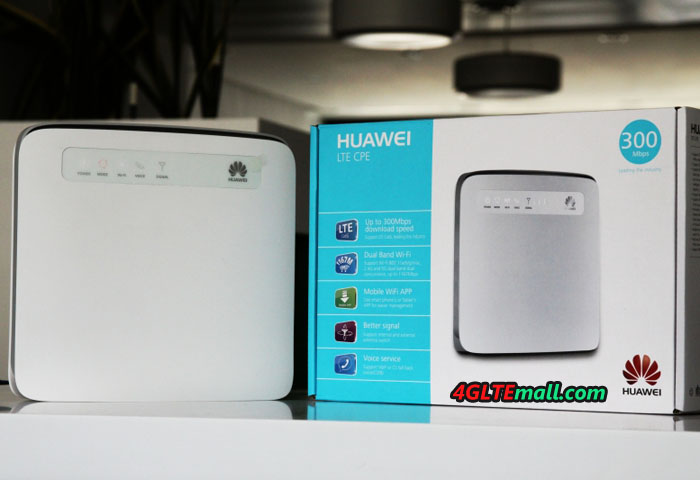
Currently, many users who sought to achieve high-speed access at home adopted Huawei B593s-22. It is an excellent modem which allows high speed internet access and stable connection, especially to work at home.
Receiving 2G/3G/4G up to 150Mbps and transmitting up to 50Mbps, LTE FDD 800/1800/2600 MHz, HSPA+ 900/2100 MHz, GSM/GPRS/EDGE 850/900/1800/1900 MHz
Connector: 1 USB-Port, 1 reset button, 1 SIM card slot (normal) , 2 ports RJ11 for phone, one power button, 4 LAN ports, 1 USB port, 1 WPS button
WiFi support up to 32 wireless devices
Web interface for configuration
Configuring the Huawei B593s-22 router
The configuration is simple. Insert the sim card, plug in the router and turn it on. If the PIN code of the SIM card is not 0000, you obviously need to set it in the web interface. For this, connect an RJ45 cable to the router and connect it to your PC. Using an Internet browser, go to address 192.168.1.1 or http: //homerouter.cpe. You normally access the interface of your router. The username and password are marked on the back of the device (admin / admin). Once logged in, the interface asks you to change the password.
Then go to the Internet (top menu) and then to PIN Management (left menu). Enter the PIN in the PIN and confirm. Then go back to Home / Quick Setup to quickly configure your modem. Consider roaming, especially with alternative operators.
Conclusion
Particularly well done, this Huawei B593s-22 4G LTE router does not require extensive knowledge for its installation. Not using the latest technologies, it is compatible with almost all the LTE operators in Europe ( except the new 700Mhz frequency used by free, check if the antenna close to you is not transmitting on this frequency) and will allow you to obtain a fast and reliable connection. Cheaper than its successor the Huawei E5186s-22a, it is a really budget wireless LTE router for small group users in office or at home.
A brand new Huawei LTE router has been launched in Europe and is now available for purchase on www.4gltemall.com . This is Huawei B618s-22d. It is a rather remarkable product in LTE category 11! Yes, you may have read,it allows to reach 600Mbit/s for download and 50Mbit/s for upload theoretically.Of course, you will not be able to reach such bit rates immediately, but this augurs well for the importance that 4G (and later 5G) reception will take by the various wired networks in areas badly covered.
The Huawei B618s-22d router is in compact design and it resembles its predecessor Huawei E5180 LTE CPE. The dimensions are 9.5cm long, 20.8cm high and 9.5cm thick. Its weight is 700 grams. It supports the 4G+ category 11 on the bands: 1/3/7/8/20/38 (FDD 800/900/1800/2100/2600MHz, TDD 2600MHz). It is therefore almost entirely compatible with all frequencies in Europe and other areas in Asia. But it’s a pity that it does not support the frequency 700MHz(B28).
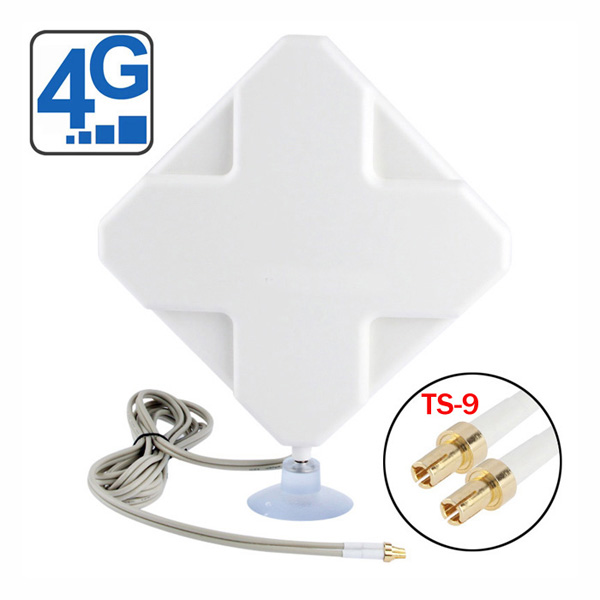
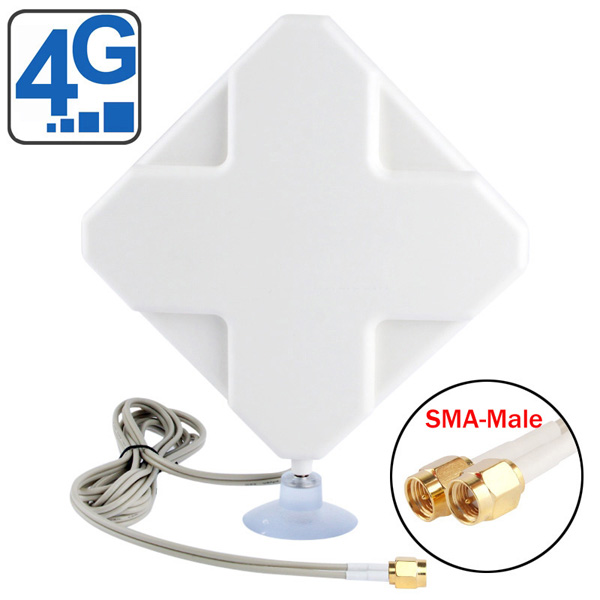
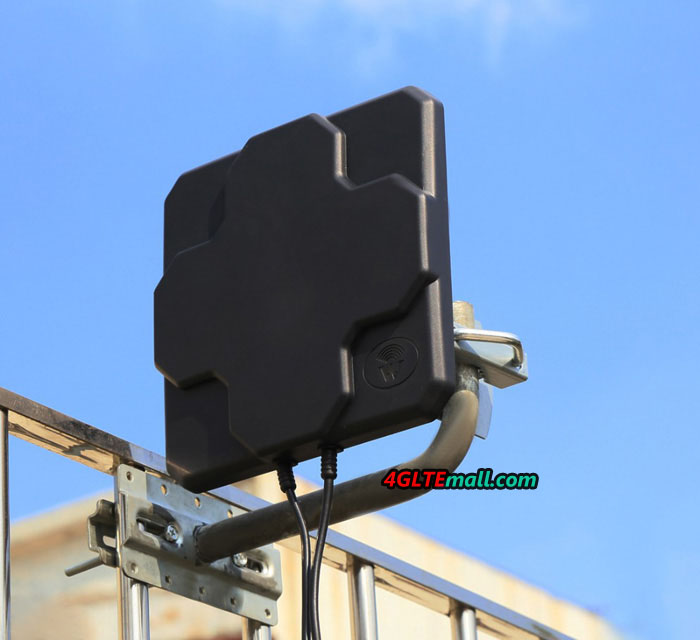
The proposed WIFI is a/b/g/n/ac on 2 bands (2.4Ghz and 5Ghz) and supports up to 64 connected devices. (Attention, theoretical data in laboratory, strongly dependent on wall thickness and other parameters.) At the LAN ports, there are 2 RJ45 gigabits and 1 LAN/WAN port. It is possible to connect an external antenna through the 2 TS9 ports. If you want to buy the external 4G/LTE antenna for Huawei B618, we had tested two external antennas for indoor and outdoor use:
An RJ11 port allows you to connect a phone on it to make calls via the inserted SIM card (Provided you do not force the router only on the 4G so that it can switch to the other frequencies (3G) and your plan not only in data). The VOIP/SIP is available and configured in the web interface. A USB 2.0 port connects a hard drive or printer.
More advanced settings are available as integrated DDNS, integrated VPN client, SMS sending/receiving … The SIM card must be in the MICRO SIM format. It has a multilingual interface that you manage from your computer to configure your network quickly and easily (DHCP, VOIP, FIREWALL, etc.) but is also compatible with the mobile application “Huawei Mobile WiFi” for a configuration via smartphone.
It has an on/off button which is handy to turn it off when you do not use it. Also, a WPS button (to connect wifi easily) and 8 LEDs will let you know the intensity of your 4G reception, WIFI activity, LAN activity, power, etc.
This Huawei B618s-22d is one of Huawei’s latest flagship router. Equipped with the latest technological innovations and in particular the 4G+ (category 11) 600Mbits/s, it will be suitable for those wishing to benefit from the current top LTE network. If you think the price is high, you may get satisfied with the lower level router Huawei B525s-23a or a Huawei B315s-22a that do their job right with almost half the price.
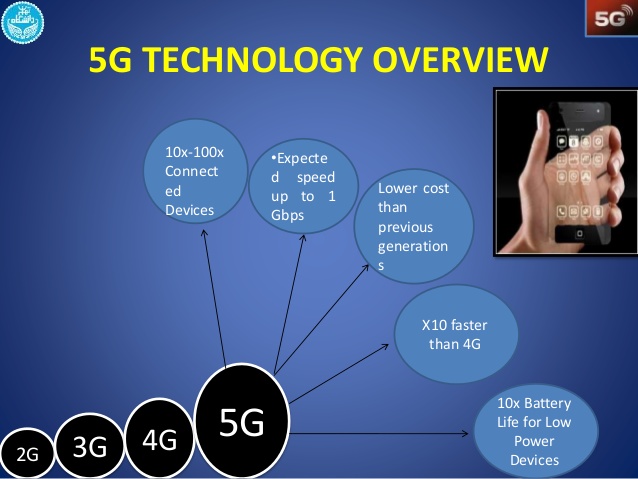
Whether you had read our blog post, reports from some webistes, or other news, but you’ve surely noticed the incredible progress which has been made in mobile technology. Not long ago, 3G was the peak of the peaks, compared to 4G networks now, 5G is on the road to dominate.
Huawei E5186s-22a 4G LTE wireless router has been available in many countries for long time. As a pure 4G LTE router, it may not be cool like Netgear Nighthawk series router, but it do good job as expected for a 4G router.
In terms of Huawei CPE’s goals, it is no different from the similar wireless terminals used at home. Its job is to share the internet between different devices, supplementing them with a few extra amenities. Huawei E5186s-22a has more than usual gadgets that can accommodate a SIM card.
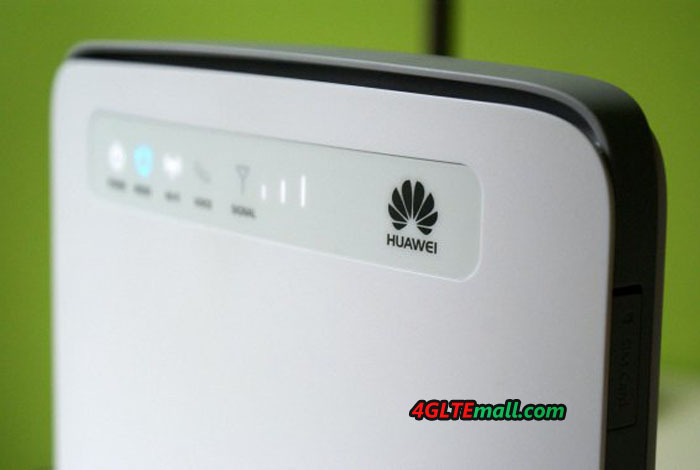
The E5186 router itself has a sleek design, much more beautiful than the predecessor 3G routers such as Huawei B683 and B970b Router. At the front, you can find a few white and mainly blue LEDs, including the power, mode, WiFi, Voice and signal indicators. The indicators tell users the current working status of the router.
The start-up goes exactly like a common device. Under power button, insert a SIM card, find your Huawei WiFi with your computer, enter the WiFi key on the sticker on the back of the gadget, open a browser window and enter 192.168.8.1. Here is an interface that will make you ready to complete all the security, administration, and other settings that people have on a router.
And that’s all we are and the internet connection would automatically be done. Of course, no matter what location you use, there is exactly the kind of network coverage or other environmental factors (walls, mountains, etc). The most important is that Huawei CPE E5186s-22a also supports the most advanced Cat6 LTE networks.
So far, I was pretty happy with my home provider and after running a speed test, it turned out that the download speed is far from the official saying about download speed of 300mbps. And the uploading can be done (33.57 Mbps / 16.20 Mbps / 20 ms ping), which is not quite exciting.
Actually, there is an alternative to provide better solutions to get a higher level LTE router such as Huawei B618S-22d. However, when ordering a new net, it is worth thinking if we are not going to do better with the 4G. Perhaps it’s not the problem of the Huawei E5186 CPE, what if the problem comes from the network environment fators?
Anyhow, the Huawei E5186s-22a could meet current home use for internet surfing. Even though 5G is coming, I think there is a long way to go to make the 5G devices budget and practical for common use. So let’s get E5186s-22a in white boxes, especially with a Huawei logo and a valid SIM card in them to enjoy the LTE surfing!
The TP-Link Archer MR200 Router is a feature-rich router built to maximize performance in your mobile broadband. We had a simple test to show more about TP-link MR200 router.
TP-Link Archer MR200 is a desktop 4G router. Unlike the Netgear AirCard 810 Mobile Hotspot we tested recently, Archer MR200 is not a router you can take to town (unless you know you’ll be near an electrical outlet). It is relatively large and clumsy and has no rechargeable battery. Instead, it is supposed to be used indoor where the router can get continuous power supply and then the broadband connection would be done quickly and easily.
It is also there, in a poor reception reception, the TP-Link Archer MR200 is supposed to show its strength, as it is equipped with a pair of solid external antennas to enhance the 4g reception.
User-friendly and feature-rich
Getting Started with TP-Link the Archer MR200 is really friendly. Just plug in with the 4G SIM card, turn on the router, enter the preset password that is written on the bottom of the router and start surfing.
When it is time to configure the 4g LTE router, this appears to be as easy and smooth as the installation itself. The interface is exemplary quickly, easily and clearly, even when we enter the more advanced settings.
Despite its rather simple exterior, the TP-Link Archer MR200 proves to be a truly functional and configurable router. Here it is in the top layer compared with competitors in the market.
Reception Good
Initially, the TP-Link Archer MR200 manages well in our performance tests. Reception is normal under normal conditions. The connection is always stable during the time we tested it. The WiFi results are slightly better. Here, the TP-Link Archer MR200 puts itself in the top level. The same good results goes for range tests, the TP-Link Archer MR200 gets good values and performed better than most of tested routers.
But when we come to what will be the strength of TP-Link Archer MR200, the reception under difficult conditions, we will be a little bit disappointed. Instead of getting to the top, the TP-Link Archer MR200 turns out to be worse than the average. In fact, the TP-Link Archer MR200 is far below the newly tested mobile router Netgear AirCard 810. If you are located at somewhere with bad signal, you’d better choose a wireless router with connectors for external outdoor LTE antenna, which may help the router to get better 4G/LTE network, so you will enjoy the fastest possible network.
Conclusion
TP-Link Archer MR200 is not a bad router, but does not do all as what we expect from a powerful 4G router. When the router work in good network condition, it performs good, but if in bad condition areas, it has much space to improve to shorten the distance to its competitors. There are many similar 4G routers on the market that are more affordable than this one such as Huawei E5186, ZTE MF286 etc. At last, we have a look at the basic features of TP-link Archer Mr200: