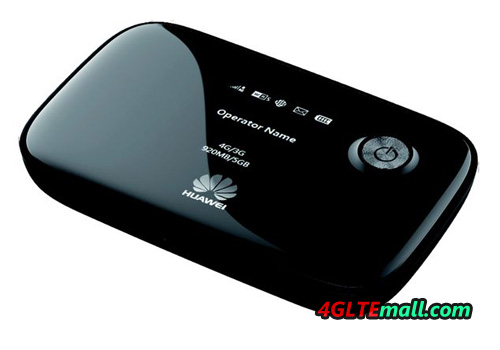
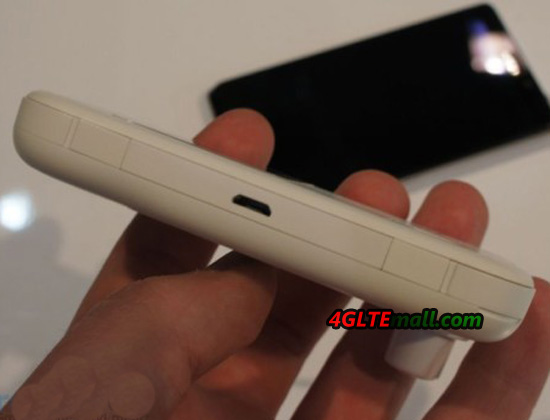
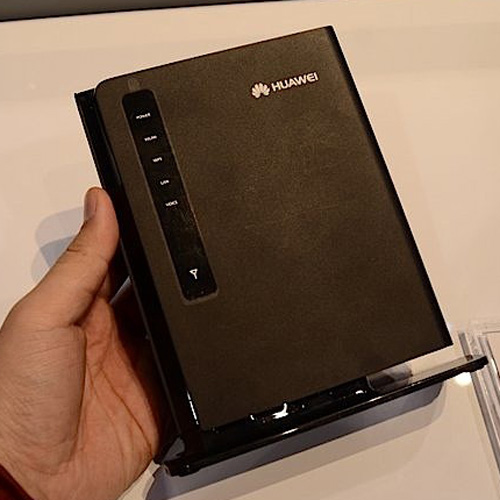
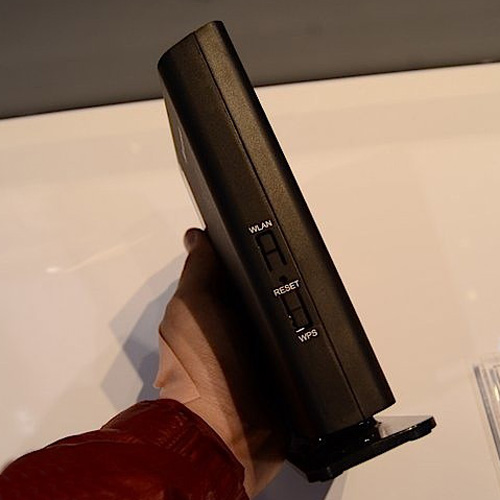
HUAWEI E589 VS SIERRA 762s 4G LTE Mobile Hotspot

Following the 4G network is more and more popular, 4G gadgets are becoming more and more common. Many users get their own 4G gadgets and enjoy the changes brought from technologies. In the 4G gadgets, there are dongles and pocket WiFi. Today, we will have a review about the most popular 4G LTE mobile WiFi Sierra 762s and Huawei E589.


Somebody may ask why are the two models and not others? The answer is simple; because Sierra 762s and Huawei E589 cover the most commonly deployed 4G frequency bands in Europe and Asia-pacific region. We will talk it later.


Huawei and Sierra Wireless are two top LTE vendors all over the world, and they are always competing with each other for LTE share. Perhaps due the protect from US government, Huawei cannot enter US market, on the contrary, Sierra Wireless is the local US vendor, which supply telecom products mainly to North American and South American. Consequently, Huawei cooperates with many operators in Europe and Asia, but it cannot open the US gate. It’s political matter, not our topic today.


As the competitor, Huawei E589 and Sierra 762s incorporate many same features, which depend on the network status in target markets.


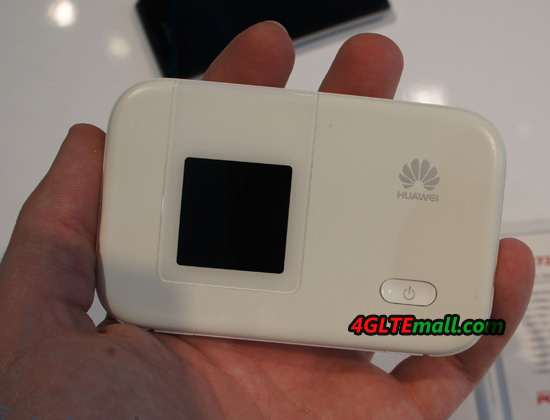
From the appearance, Huawei E589 follow the classic Huawei E5 mobile WiFi design while Sierra 762s is also in good design. They both support 4G LTE FDD 800/1800/2100/2600MHz, Huawei E589 seems more powerful because it support on more frequency FDD 900MHz.


With both supported download speed of 100mbps, the connection stability should the main concern from users. Based on many years professional experience, they are both reliable hotspots with good quality. Under same network condition, we have tested that the average speed is almost the same.


As the same feature of 4G LTE MiFi, Huawei E589 and Sierra 762s could support up to10 users to share the network simultaneously.


Other features are almost the same, easy to take, pocket size. So in our opinion, they are same good 4G mobile WiFi, if you don’t care about the brand, both Huawei E589 and Sierra 762s are worthy to have one.


Two Recommended HUAWEI Mobile Power Bank

Most of people know that HUAWEI is a professional wireless gadgets supplier, but few people know that HUAWEI also produce mobile power bank. You may be curious that what power bank that HUAWEI could supply. Of course, as the world’s top telecom equipments supplier, HUAWEI would not supply the common kinds of colorful power bank in the market.


Considering the great volume of gadgets that are already at the users’ hands, HUAWEI wants to find a resolution for its mobile terminals about continuous power supply. So it’s necessary to recommend HUAWEI new power bank so that users could get better experience and keep surfing without any interruption.


HUAWEI Charger Partner — 5200mAh Mobile Power Bank (CEB-Li01-5200 mAh)


As we know, HUAWEI only released this charger partner at the battery capacity of 5200 mAh. It should be based on the consideration that the usual HUAWEI mobile Smartphone and mobile WiFi incorporates the battery around 2500mAh, so it’s better for a power bank to give one device twice support after one time power charge. With this capacity, the cost of battery is acceptable and easy to take for users.


This power bank could use as flashlight. With only 200g weight, it’s easy to take in hand or pocket. With a mini USB connector, it could support two devices to charge power simultaneously. And the USB could use for most of the mobile Android phones, tablets and mobile WiFi hotspots.


Somebody may ask, here now I don’t have a mobile WiFi, but I do need a mobile WiFi and power bank 2 in 1, is there a device have this function? The answer is yes. HUAWEI had focused on the demand from customers, so they released a new mobile WiFi and power bank 2 in 1 gadgets, the model number is HUAWEI E5756:


HUAWEI E5756 Mobile WiFi and Power Bank 2 in 1


HUAWEI E5756 has the basic function as a HSPA+ mobile pocket WiFi to support up to 5 users to share the wireless network. The peak download speed could reach 42Mbps and this is the fastest 3G download speed that a mobile gadget could reach. Then the extra function as a mobile power bank, HUAWEI E5756s-2 could not only give Android phones, tablets and other mobile terminals power supply, it could also extend itself usage time.


Based on HUAWEI quality and HUAWEI brand, the two batteries are very popular and reliable, so if you want to buy a qualified battery charger partner or mobile power, you could take the two batteries into consideration.

What’s the difference between HUAWEI E5331 and HUAWEI E5220?

At the beginning of 2013, we found Huawei released a new pocket WiFi on CES 2013. At the first sit when we see it, we thought it was Huawei E5331 3G 21Mbps Mobile WiFi, because from the outside appearance, it’s completely the same as Huawei E5331.


However, after we read the specifications on the stick, we got to know we are wrong. It’s the new mobile WiFi hotspot Huawei E5220. Then here comes a question: why did Huawei release a same model with different name?


On the stick beside the demo of Huawei E5220, we read that Huawei E5220 supports single, dual or triple UMTS bands by its variant model. This feature is also specified on Huawei E5331. Huawei E5220 supports maximum download speed up to 21.6mbps, and upload speed to 5.76Mbps. It’s also the same as E5331.


The key feature of Huawei E5220 should be the link time. It says Huawei E5220 could network in 5 seconds with HiLink technology. HiLink is a new user-friendly system that users don’t need install any software or setup any parameters, once the device with HiLink technology connects the supported gadgets, the gadgets can then start surfing freely.


It’s obvious that this system brings much convenience for customers and save much time. Take a example, in the past, if you use Huawei E372 and plug it to PC, it would take around 1 or 2 minutes to install the driver in the modem; after driver installed to PC, you need to setup the parameters, such as Profile, APN, dial number etc… and if there is something wrong in the settings, you may can’t get connected to Internet. With HiLink technology, it would completely change this situation, once you plug the Huawei E3251 HiLink USB stick to PC, the PC then get connected in 5 seconds, no driver installation, no setup. And you can manage the modem through Web UI.


Huawei E5220 also follows this rule. After the WiFi enabled devices get connected to E5220, they can surf in 5 seconds, or slower in 10 seconds. No setup and driver are needed. In our opinion, this should be the revolution for this new pocket WiFi.


What’s more, Huawei E5220 supports maximum 10 users to share the network while Huawei E5331 supports 8 users.  From the above two upgraded features, we can see Huawei E5220 has different system from E5331 and it also improve the user experience and functions.

HUAWEI E3276s-151 4G LTE Cat4 USB Stick Specifications

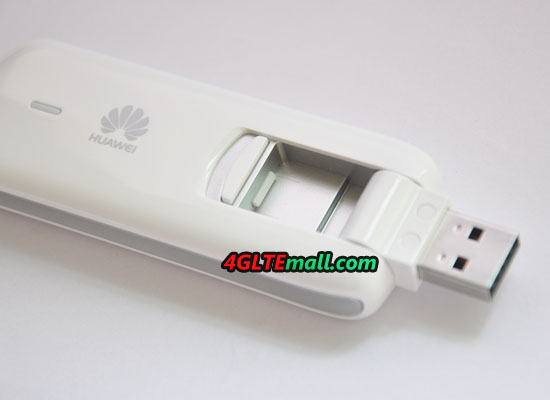
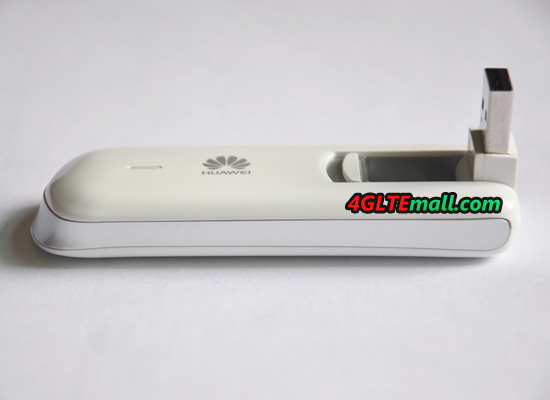
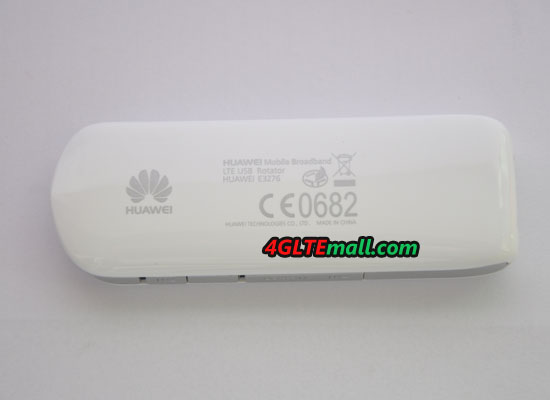
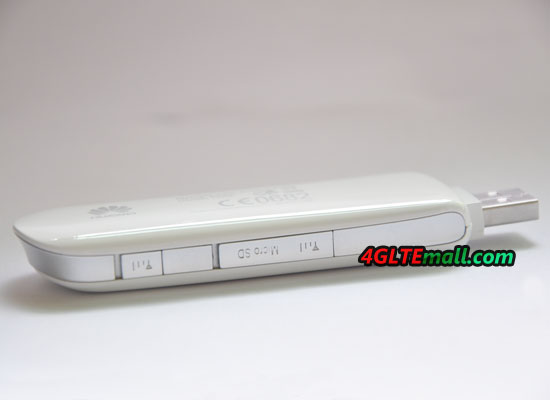
As the first LTE Cat4 USB Modem in the world, HUAWEI E3276 attracts the eyes of the world when it’s first released by HUAWEI, the top telecom equipment supplier from China. The typical feature of the LTE Cat4 is that the LTE devices could support maximum download speed to 150Mbit/s, which increase the 50% speed than the current LTE speed. This speed is even 10 times faster than 3G.


Under this speed, users could surf and link to internet in awful experience. What’s the more, HUAWEI E3276 supports 3G and 2G simultaneously, with 3G and 2G backward, the modem could auto switch to the lower network. The UMTS network can achieve up to 84 Mbps download speed due to DC-HSPA+ technology.


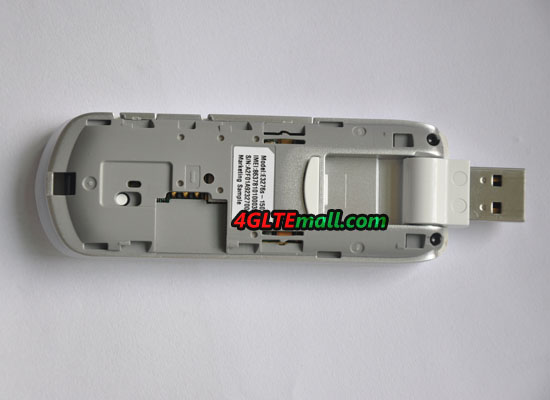
Just like HUAWEI E398 and E392, HUAWEI E3276 also has many variants models, such as HUAWEI E3276s-150, HUAWEI E3276s-151, HUAWEI E3276s-152, HUAWEI E3276s-210, HUAWEI E3276s-500, HUAWEI E3276s-601 and HUAWEI E3276s-920 etc…They support different frequency bands to meet the requirement of various operators in many countries or areas. HUAWEI E3276s-151 should be the most popular model, because it supports the popular 4G LTE Spectrums all over the world: 800/900/1800/2100/2600 MHz. And it has been presented to the public by the provider Megafon (Model Number: M150-1) and Vodafone( Modem Nuber: Connect Pen K5007)

Below are the details specifications for HUAWEI E3276s-151:


* 4G LTE FDD 2600,2100,1800,900,800 MHZ
* supports LTE Downlink 150 Mbps
* 3G HSPA + / HSPA / UMTS 2100, 1900 AWS, 900 MHz
* 2G GSM, GPRS, Edge 850, 900, 1800, 1900 MHz
* Built-in antenna
* Uplink 50 Mbit/second (4G)
* Downlink 150 Mbit/second (4G)
* Output for external antenna – 1st For signal reception and 1st for increased bandwidth
* Slot for micro SD cards up to 32GB size (optional)
* Slot for SIM card
* Supports Windows 7 Sp1, SP2, XP SP2, SP3, VISTA SP1, SP2, and MAC OS X 10.5,10,6
* Quick start guide included

* Compatible with all PCs, both desktop and laptop


Here now, we can’t get the full information about other variants models of HUAWEI E3276 LTE Cat4 USB modem. But we will keep updated about them.

Test Report of ZTE MF820D Web Stick on Sonera’s 4G Network

We received Sonera’s 4G USB dongle ZTE MF820D some time ago, so we decided to take a closer look clear what 4G is capable of. The timing is better now because the network is better and unlike a year ago.


The stick ZTE MF820D itself is quite slim, and fortunately the drive manufacturer ZTE, has equipped the device with comfortable compact design, so stick may be a usable position also signed two USB port HP despite the fact that the second port is connected to a USB mouse receiver.

This is a big plus, for example, ZTE MF820D could be change to another side if there is no enough space between two USB ports. And it would be hard for HUAWEI E392 4G TDD FDD Compact Stick to do this.

When the stick ZTE MF820D plug to PC, it starts Mobile Broadband application installation automatically. This is usual steps for all USB sticks, and it’s very nice that the installation is easy and seamless.


After starting the application asks for a PIN code, and this is required as long as the network is found. The delivery of a small error caused the PIN code window, and it shows that “You have 3 time remaining”, which should of course be “You have 3 tries left.”


Finding a network available seemed insanely slow, and before your stick found a network, it would take several minutes. This is a little bit disappointing, especially when we are trying the very fast networks.

After find the network, we started to test the speed of this 4G LTE stick. On the positive side were low pings, only HSPA+ network is usable, pings were about 40-50 ms range, which is enough to start playing in some degree of well.


Our office is in connection with the auto setting up a HSPA+, but even in practice, the data was transferred to a single channel speeds of truly commendable and we received 10 test average of 14.38 Mbit /s and the top result of 17.85 Mbit/s for download. The upload speed of the average, is 2.1 Mbit/s and a peak speed of 2.5 Mbit/s.


Then we let the ZTE MF820D 4G stick increased to 4G, by setting the network to “only 4G”, although the rates of test sites were weaker than HSPA+, respectively. It is only when we moved to the other side; we got to DC-HSDPA speeds. This is probably due to the fact that the test bench side of the base station Sonera does not support DC or LTE speeds and 4G speeds were forced into two within the post due to a low level. Only one side of the house, we got full use of poles, the speed increased commendable level. Speed tests average came now 30.68 Mbit/s, and the outside lane for outbound 19.01 Mbit/s with 30-40 ms level. Despite the fact that Sonera’s map, the office is “true 4G” in the region, these speeds were still better than DC-HSPA+, so the “real” about 4G was not yet in sight. Thus, we had to leave the sea to fish farther, to find the right 4G network.

So we packed our drive and the laptop in the car and we went to a place the Finnish phone manufacturer’s parking lot in the vicinity of which would certainly be an LTE base station. When we got to the scene, we immediately started to run speed tests and speeds up comfortably. Now, we average the resulting download 68.73mbps (peak 92.15 Mbit/s) and outgoing 33.25mbps (peak 35.54 Mbit/s). We also tested the speed by download a file from ftp.4glterouter.de, and this became the fastest machine 7.5 MB/s and 729 MB download size took a total of 3 minutes and 22 seconds, so the average speed is 3.3 MB/s.


While the 100 Mbit/s speed was missed, offering a 4G stick speed is found near the base, while maintaining strong coverage and interference. This is especially appreciated by those who transfer over the Internet to a lot of large files and multimedia. However, it’s usually hard to get the peak download speed to 100Mbit/s. At this early stage, I would see myself DC-HSPA+ to bring the best value for the money until the LTE network is properly spread in all population centers even though the DC-HSPA+ seems slow at the beginning, the speed can always upgrade by calling your operator’s customer service.

As the results, it can be concluded that the 4G functionality of a 4G stick is strongly location-dependent and although the operator’s coverage map promises 4G speeds, this does not yet mean that the broadband speeds that reached the desired level. Before you purchase, it’s better for you to take a stick to test first, which many operators offer. It is the easiest, then select the contract, or buy unlocked 4G dongles from www.4gltemall.com which certainly offers a sensible value for the money.


Huawei E5331 Mobile WiFi Hotspot Test Report

Mobile hotspots are now very popular and we have a favorable time and new model for a test: the Huawei E5331 Mobile WiFi. The small wireless router comes in a compact package, in addition to the device itself, there is only the powerful 1500mAh battery and a small USB cable included for charging. An AC adapter for charging directly at the outlet does not packed in the box.

After unpacking, if you have only the SIM card (Normal standard size) and insert the battery, then you can turn on the Huawei E5331. The HUAWEI E5331 has a LED display screen, after a few seconds to light up a few status LEDs on the front, HUAWEI E5331 will start working. At far left is a reception display, next to the light for the wireless network and an indication of the battery charge. On the far right there is a message icon that indicates new SMS.


After the first start you have to connect via Wi-Fi with the Huawei E5331, by the way, more than 8 devices can be connected via Wi-Fi. The password for the wireless network is located under the battery in the device, you should write down the code before E5331 begins operation. After a short search network, the modem automatically selects in the mobile network – certain settings such as the APN to be incurred only in exceptional cases, in most cases, no configuration is required by the user.


The reception in the UMTS and GSM operation is pretty good, and definitely better than many cell phones. In the UMTS network, HSPA + data rates of up to 21.6 Mbit/s are possible, and I was able to reach a maximum of 17 MBit/s downstream and 4 Mbit/s upload in the telecom network, so what are already quite good values! Upon request, the Huawei E5331 menu also allows to “3G only” switch, so that even if the signal is weak is always the UMTS network is selected and not a throwback to the slow EDGE / GPRS.


The battery life is about 5 hours of continuous use, requiring the E5331 for about 2 hours at the outlet (or on the computer, if you have a USB charger). All in all, the Huawei E5331 Mobile MiFi router makes a very good impression and for the price of around 99 US dollar without contract and SIM definitely unlocked. If you need, welcome to order from www.4gltemall.com

HUAWEI New LTE Cat 4 MBBs on MWC 2013

Communication Reuters (CWW) February 27, held in Barcelona, Spain, 2013 Mobile World Congress MWC, Huawei exhibited the full range the LTE Cat4 data terminal containing:


  1. The world’s first LTE Cat4 Wingle Wi-Fi dongle E8278
  2. The 5G compact exquisite design LTE Cat4 mobile hotspot E5372,
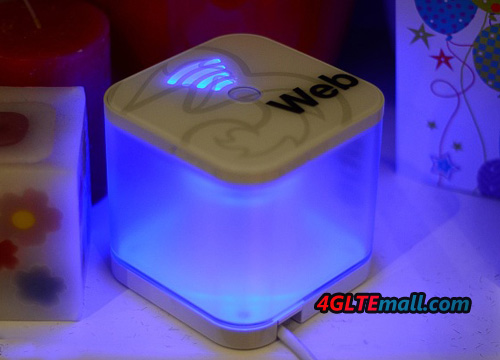
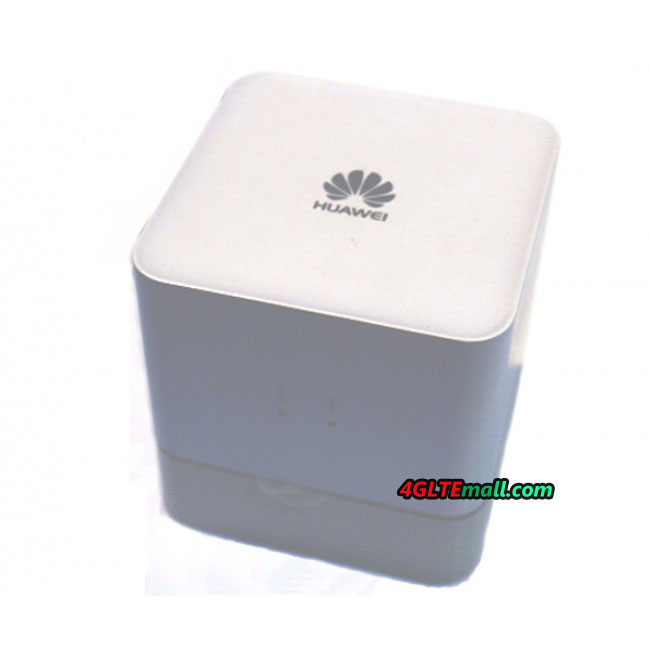
  3. The Stylish homeb broadband of LTE Cat4 Speed Cube E5170,
  4. LTE Cat4 dongle E3272 with sports car streamlined design,


And other Smartphone and MediaQ serials terminals further highlight the strength of Huawei LTE data terminals.


In 2012, LTE set off a wave of building climax in the world. Comparing to the fixed network by the transmission rate, and a relative fixed network, LTE data service is more flexible business laying relatively 2G, 3G cheaper single-bit cost, and relatively Wi-MAX, and incorporates a much more mature industry chain. So more and more wireless operators, fixed-line operators, Wi-MAX operators are beginning to invest in LTE business. According to the GSA report shows that in January 2013, 381 operators in 114 countries are building LTE networks, and 145 LTE networks in 66 countries have officially commercial, expected at the end of 2013, total 234 providers’ LTE networks would be launched to commercial in 83 countries.


Commercial LTE network is inseparable from the support of the terminal, and the data terminal is no doubt a pioneer. With the wide range of commercial LTE network, a large number of LTE data terminals become personal essentials into the home and for small and medium-sized enterprises, and scale. Huawei played an important role in this regard. As of the end of December, Huawei has more than 90% of the commercial LTE network provides a service terminal 12 annual shipments of more than 3 million units.


“Huawei is one of the few vendors who are able to provide wide coverage, multi-band, end-to-end solutions and in current success makes us confident about the future.” Said Liu Xiaobin, vice president of Huawei mobile broadband product line, Huawei will always focus customer center, from the needs of customers and consumers, to leading-edge technology and leading design, sustainable and innovative spirit, to bring consumers leading experience and help customers achieve sustained commercial success. ”


In fact, Huawei LTE has global leader in the powerful technical strength. Huawei, the world’s first LTE CPE B390 VDF effective in helping to achieve the coverage of the dead zone of Germany rural fixed-line, the world’s first TD-LTE multi-mode data card E392 boost Saudi carriers STC offers the world’s first TD-LTE network services, the mobile hotspot GL01P, GL04P long-term rotation occupy Japan data terminal weekly sales champion. Huawei is currently the only supplier can provide the LTE Cat4 terminal, an industry-leading one year ahead, so far HUAWEI has shipped for more than 40 carriers. In 2013, HUAWEI will also give consumers exciting support LTE Cat6 terminal peak downlink rates of up to 300Mbps; With innovation, Huawei will release the world’s first LTE Cat4 Wingle E8278, support 10 Wi-Fi devices to connect at the same time, share a high-speed network, and other similar Wingle family products by Charger, Car Charger, charging treasure a variety of ways such as power supply. E8278 also supports Huawei’s own patented plug-and-play networking 15 seconds HiLink technology, reducing the failure rate significantly enhance product usability, some customers after use HiLink patented technology, product failure rate from 1.8% down to 0.3 %, not only a substantial increase user stickiness, and at the same time make the user’s Web experience more perfect.

HUAWEI E392u-21 and E392u-92 4G LTE TDD USB Modem

As one of the top telecom equipment supplier, Huawei has been leading the trend of 4G network. To meet the demand for network upgrade, many 4G LTE modems are released with new LTE technology. TDD, as the one of the two most popular LTE technologies, is widely adapted for 4G network in many providers all over the world.


Huawei E392u-21 and E392u-92 are born to support TDD networks. Even though there are many variants for Huawei E392 or Huawei E397, Huawei E392u-21 and E392u-92 should be the most popular two models, because HUAWEI E392u-21 and E392u-92 both support 4G TDD band 2600Mhz, what’s more, HUAWEI E392u-92 supports TDD 2300MHz. What’s more, HUAWEI E392u-21 also supports 4G FDD 2600MHz.


Actually, the 4G Spectrum TDD 2300/2600MHz and FDD 2600MHz are the most popular bands which are commonly deployed and launched to commercial. So the difference between the two 4G LTE dongles is the 4G Frequency band supported. Below are the details of 4G Frequency they could support:


HUAWEI E392u-92:

4G LTE bands: TDD 2300/2600 Mhz

3G UMTS: 900/2100Mhz

HUAWEI E392u-21:

4G LTE Bands: FDD 2600MHz/ TDD 2600Mhz

3G UMTS: 900/2100Mhz


Unlike HUAWEI E392u-21, HUAWEI E392u-92 could only work on 4G LTE TDD network. Since then, HUAWEI E392u-21 may support high link speed than E392u-92. Under FDD network, HUAWEI E392u-21 could reach peak download data rate at 100Mbit/s and upload data rate up to 50Mbps. But the maximum speed for HUAWEI E392u-92 to download is 68Mbps while upload peak speed is 17Mbps. When working on TDD network, HUAWEI E392u-21 could also run at this speed.


HUAWEI E392u-92 is somewhat like ZTE MF820T, but it seems HUAWEI E392u-92 is better because E392u-92 works on multi-mode, 3G & 2G network are backward while ZTE MF820T is single mode for 4G LTE TDD 2300/2600MHz. And with external antenna connector, HUAWEI E392u-92 would get high data rate in practical with MIMO antenna.


With the same compact design, HUAWEI E392u-92 and E392u-12 both have 2 external pigtail connectors. With MIMO technology, the transmission rate for data would improve obviously whenever in laboratory or practical usage.


It’s a pity that HUAWEI E392u-21 couldn’t support 2300MHz, which let E392u-92 has its special features. They both work for 4G TDD network and both are good 4G dongles worthy to have if there is 4G TDD network available round you.


ZTE MF880 and MF820T 4G LTE TDD USB Modem

As one of the most important 4G vendors, ZTE has released many 4G LTE modems. ZTE MF820T and MF880 are two of the popular TDD models.


Just like other 4G LTE modems from ZTE, ZTE MF880 and MF820T followed the same design as ZTE MF820 4G LTE FDD Surf stick. The modem body is a little bit larger than usual 3G USB stick. And taking them in hand, users can feel the weight is more than 3G modems.


What is a pity that both ZTE MF820T and MF880 don’t have the connectors for external antenna. Perhaps at the big inning when engineer designed the mode, they didn’t take this factor into their blueprint. As we can see, in the serials of ZTE MF820D, MF821, MF821D, MF820S2, MF820T, MF880, they all incorporates no antenna ports. As the key features of MIMO connection, we are afraid it may not be as good as the modems with MIMO antenna for data transmission.


ZTE MF820T and MF880 both work for 4G LTE TDD network, perhaps due to for different providers, they support different TDD frequency bands as below:


ZTE MF820T 4G LTE TDD Single Mode USB Modem:

* Single mode LTE TDD 2300/2600MHz


ZTE MF880 4G FDD TDD USB Modem:

* FDD 800/2600MHz

* TDD 2300/2600MHz

* DC-HSPA+/HSPA+/HSPA/UMTS 2100/900MHz

* EDGE/GPRS/GSM 850/900/1800/1900MHz


This should the key difference between ZTE MF820T and MF880. Per current information, ZTE MF880 had need presented to public under provider “3” from UK. And ZTE MF820T should be for China Mobile. What should focus is that ZTE MF880 could also support FDD LTE band 800/2600MHz. It means MF880 could switch between FDD and TDD networks, so ZTE MF880 is somewhat like a enhanced ZTE MF820T.


Regarding the data transmission speed, they both support download speed at 68Mbps and upload at 17Mbps under TDD –LTE network. ZTE MF880 seems more powerful because when working at FDD network, the peak speed could reach to 100Mbps for downlink while uplink could reach 50Mbps.


In conclusion, ZTE MF880 seems more powerful than ZTE MF820T, so if you want to want buy ZTE 4G LTE TDD USB Modems, welcome to www.4gltemall.com


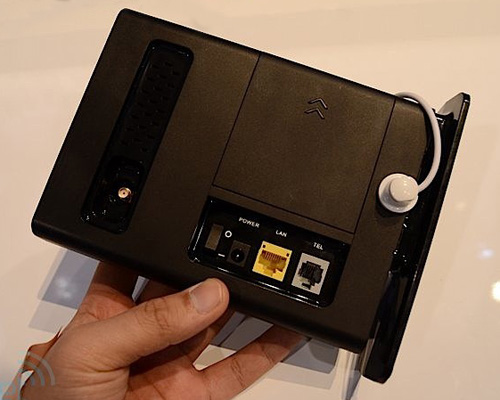
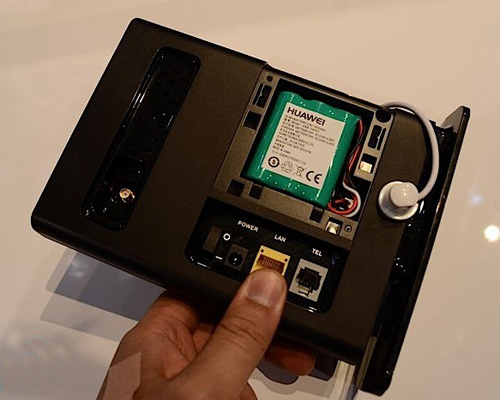
How to setup HUAWEI D105 Base WiFi Modem Router?

Below are the steps to set up HUAWEI D105 Modem Router.

1. Insert the SIM card into the modem

Remove the SIM card and insert the plastic protector on the modem. Do not throw the plastic protector because it is written in the PIN and PUK code of your card.

2. Monitor WiFi Base

  1. Connect the modem to the base WiFi.
  2. WiFi connects the base to electricity.
  3. Press the WiFi base located in the rear of the Turns
  4. To ensure optimum quality of communication is desirable that the modem will not stay hidden.

3. Connect your computer to the WiFi network

  1. With this you will have created the WiFi network at home. The name of this network is “huawei-D105”. The security of this network is initially disabled.
  2. Enables WiFi network on your computer, find the red “huawei-D105” and connect to it

4. Configure the wireless network

  1. From the browser on your computer, once you’re connected to the WiFi network, type the address: http://192.168.1.1 in the address bar and hit “Enter.”
  2. Enter the account and password (the initial values are admin / admin respectively) and click Apply.

  1. On the left of the screen, click Basic Settings and then Settings Internet.
  2. In the General section, check the box “Clente 3.5G” is selected.
  3. In the Status section, complete the field Enable PIN with the PIN code appears on the back of the SIM card that you received and click Apply.
  4. Click Profile Settings, and set up a profile with the following parameters:
  • Profile Name: “Internet”
  • Service APN: Static
  • APN: gprs-service.com
  • Service Username / Password: Disable
  • Service number: “* 99 *** 1 #”
  • Connection mode: “Keep Alive”

Click Save and once they are applied changes and you can use the Internet connection.

At this point, you can connect to the Internet. However, we recommend that you establish some kind of security on your wireless network. You can review how to do it in “5: Wireless Setup” User Manual Wi-Fi/LAN Adapter D105.