You have no items in your shopping cart.
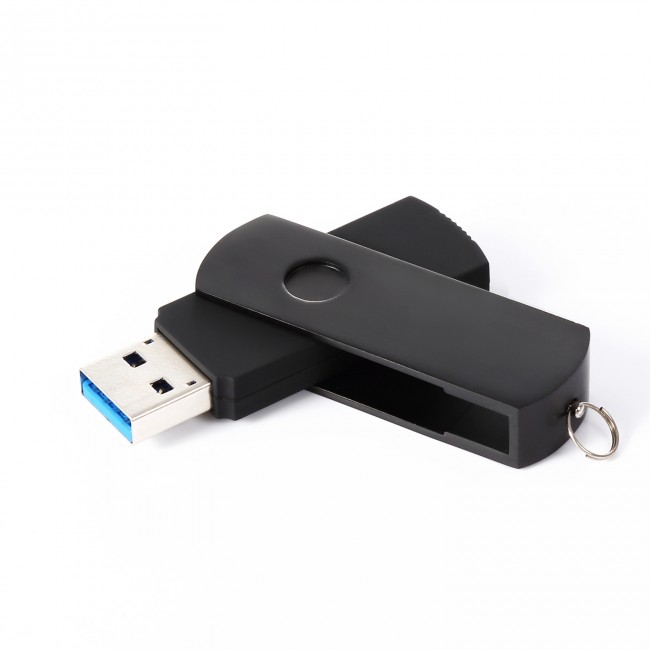
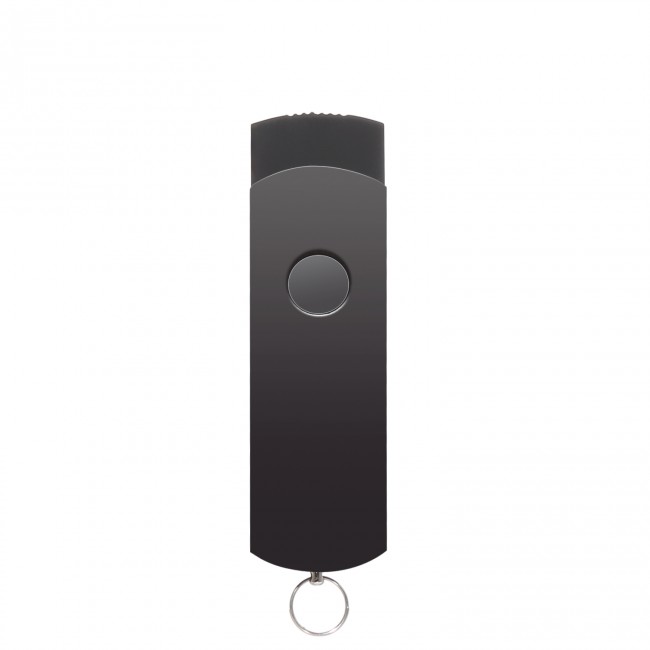
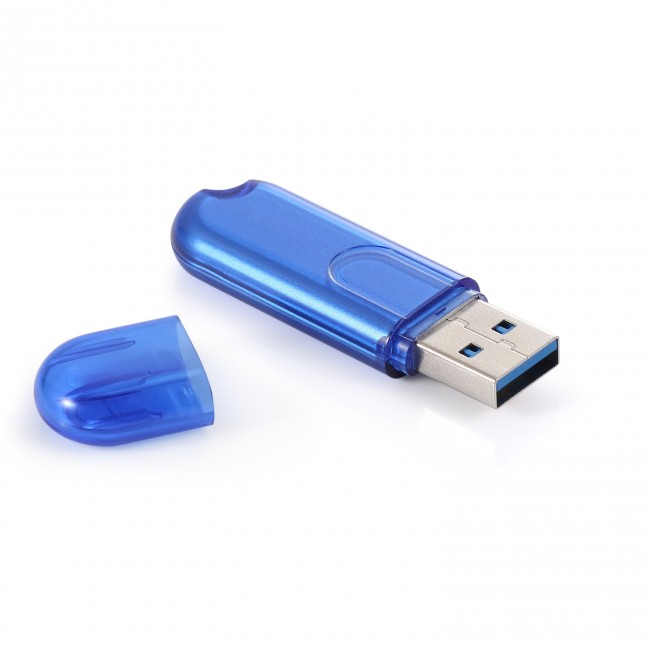
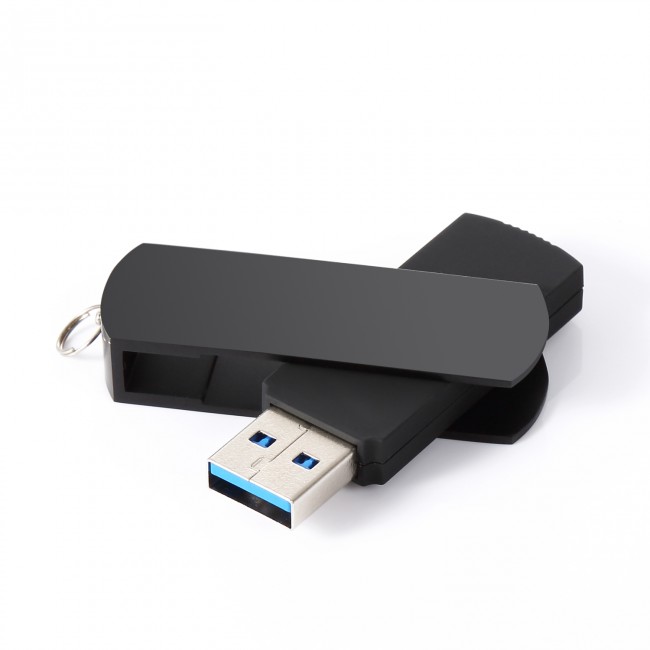
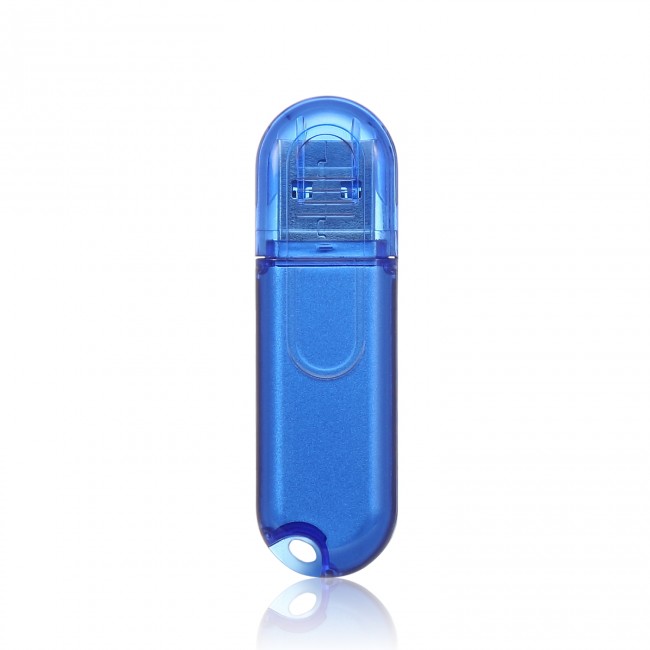
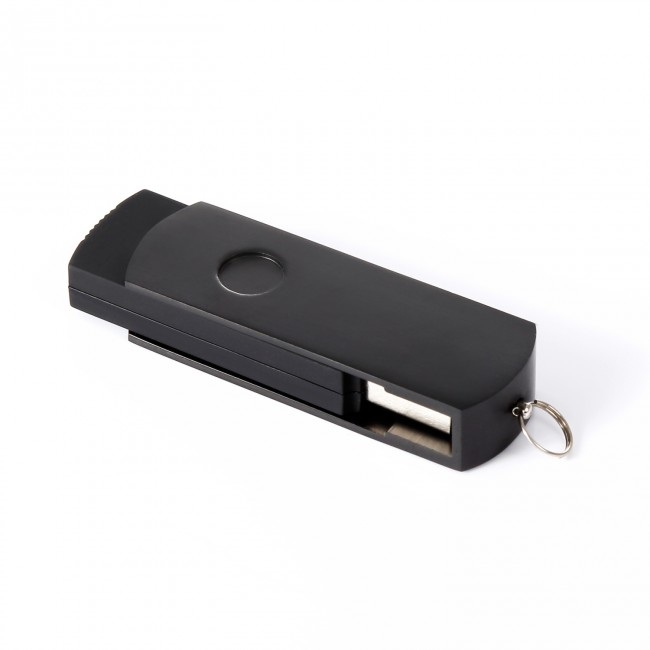


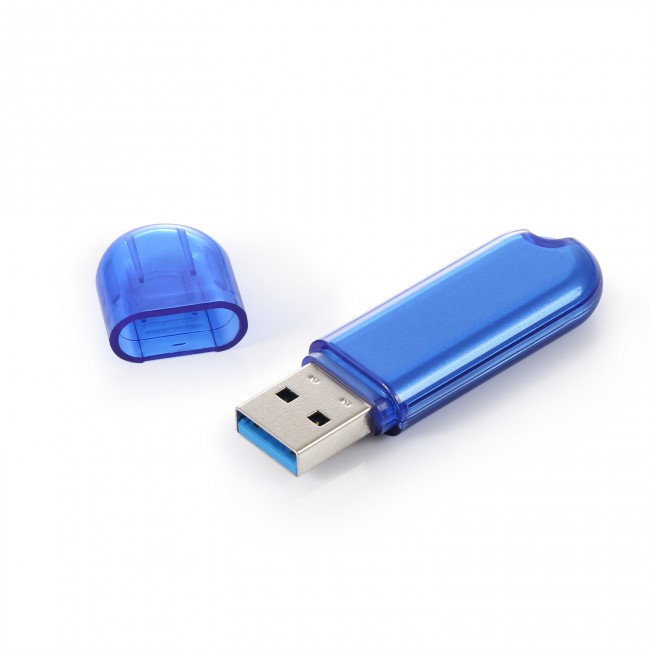
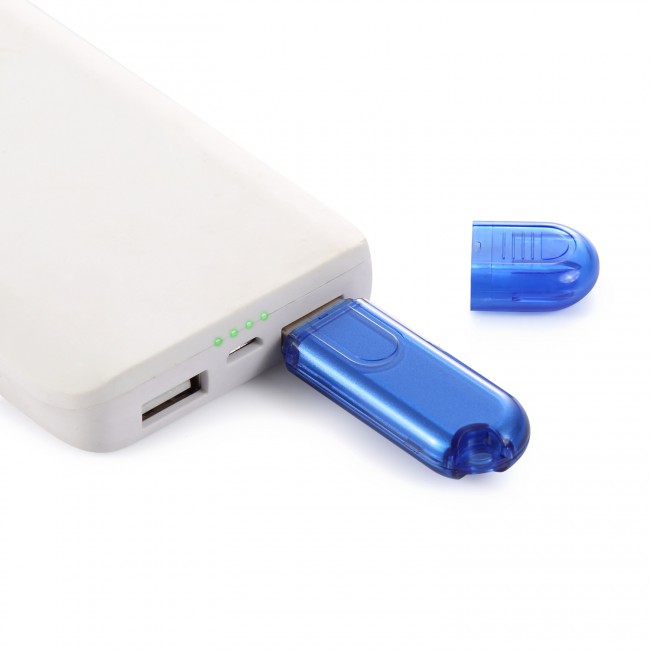
Unbranded Wireless USB Disk
* Storage capacity: 16GB or 32GB
* Controlled wirelessly through WiFi by Smartphones or tablets
* Download or upload files by APP which supports Android and iOS
* Management APP can be download from Apple Store or Google Play
Availability: In stock
$29.99
Product Downloads


Details
Details
There are two storage versions available now for the wireless USB drive: 16GB and 32GB. The USB Disk would work with any USB power adapter, best to work with mobile power bank.
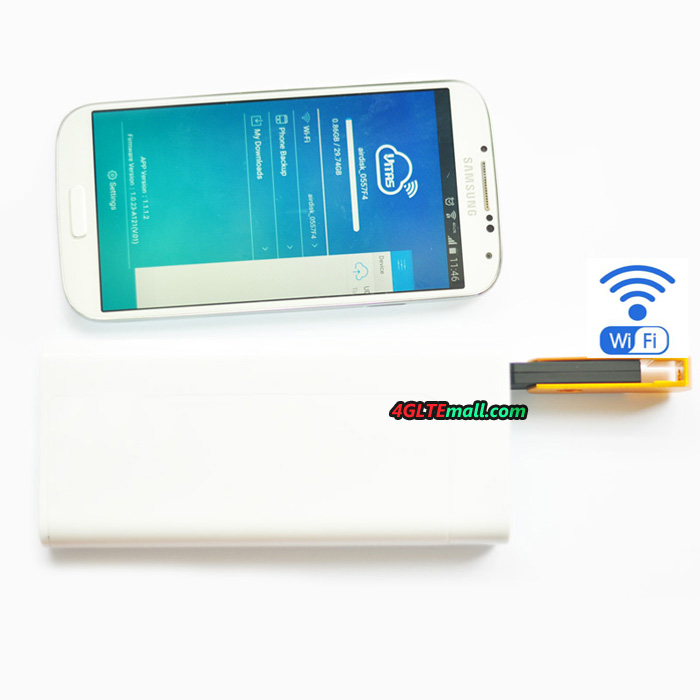
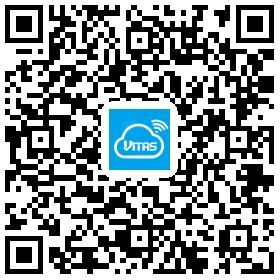
The wireless USB disk can be controlled wirelessly through WiFi by Android or Apple Smartphones. Users need download the Android or iOS APP to manage the wireless USB disk. The APP name is "VTS Drive". User can download the app from Apple Store or Android Play, or scann the QR code below to download.
After connecting with the USB disk through WiFi, users can upload files to the USB drive or download files from the USB drive. The file format includes:
1. iOS:
- Doc: PDF, txt, doc, xls, xlsx, pptx
- Photo: jpg, png
- Audio: mp3, wav, aif, acc
- Video: mp4, mov
2. Android:
- Doc: PDF, txt, doc, xls, xlsx, pptx
- Photo: jpg, tiff, gif(images), bmp
- Audio: mp3, wav, acc
- Video: mp4, mov
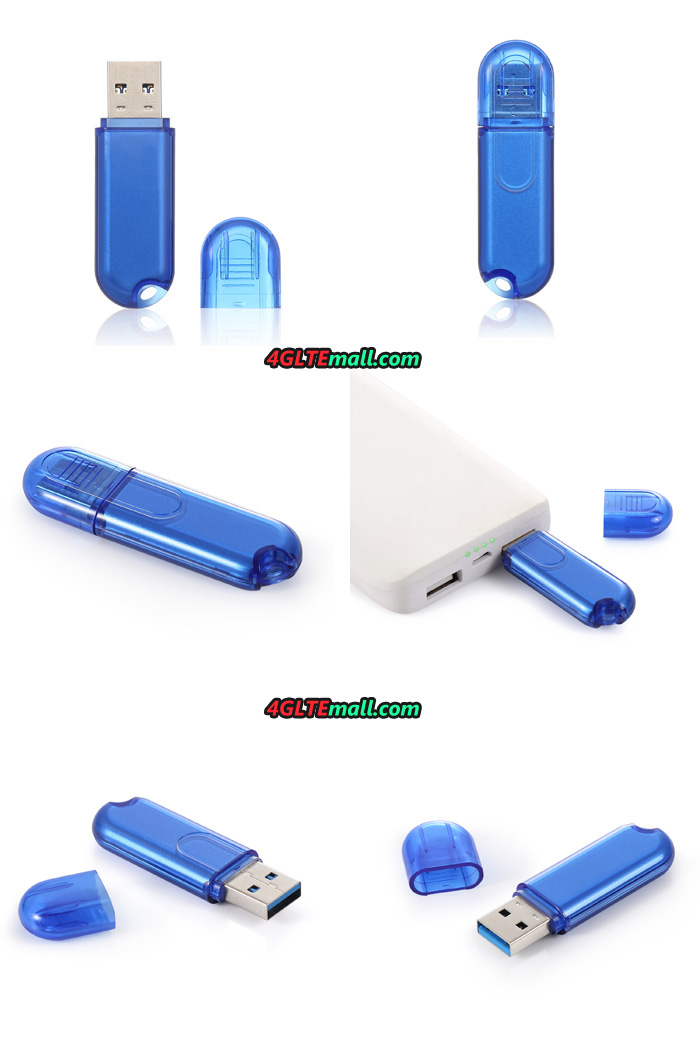
The USB Disk would automatically shut off the WiFi if user connects the Wireless USB disk to PC or desktop. Then it works like as a common USB drive.
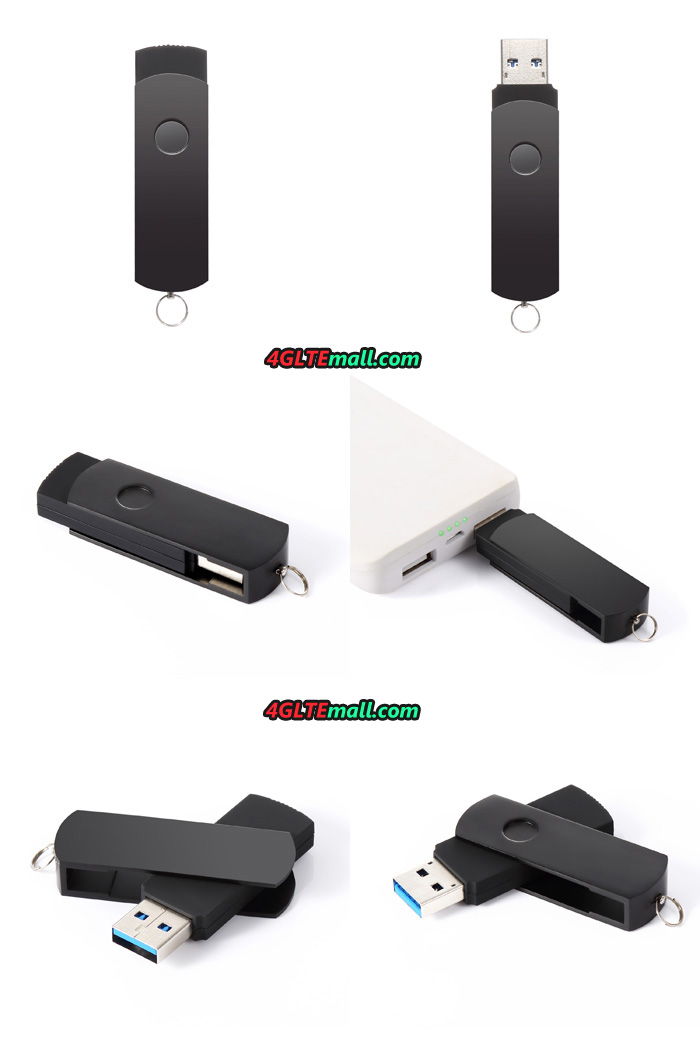
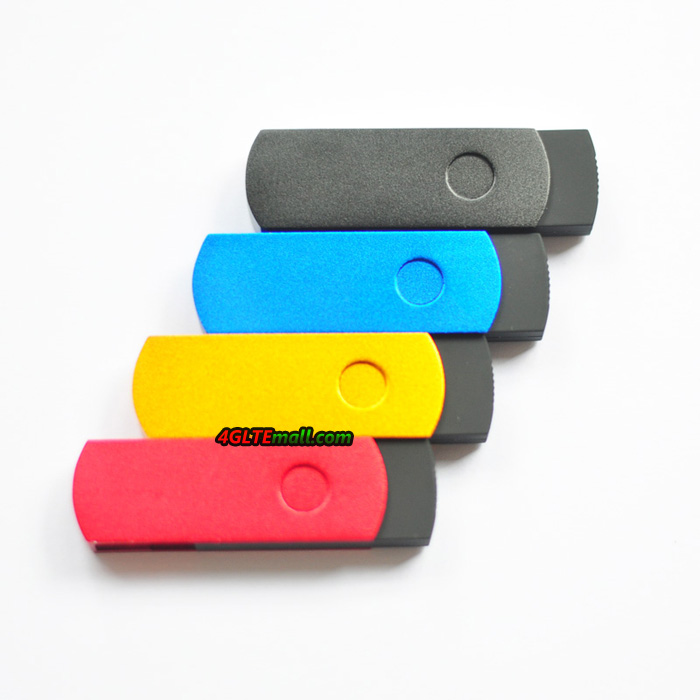
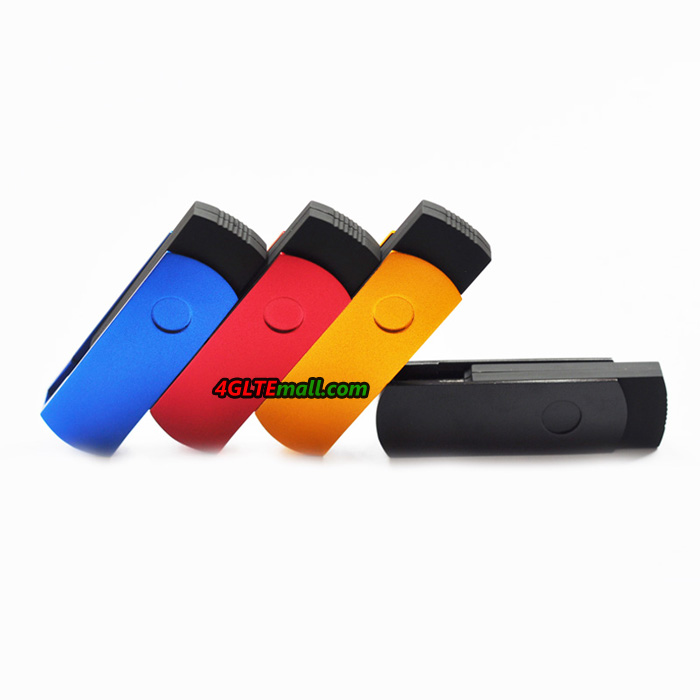
Here now there are blue, gold, red and black colors available, if you like specific color, please remark it when you place the order in the comment.
Reviews
Write Your Own Review
Tags